Short answer: Kling AI is the AI video generator from the Chinese company Kuaishou: you give it a text prompt or a start image, and it makes a short clip. A good Kling prompt names three things: the subject, the motion and the camera. For example: "A red fox runs through deep snow. The camera tracks beside it from a low angle." When you start from an image, describe only the motion, because the picture already shows the rest.
Random-looking Kling clips almost always come from prompts that describe a picture, "a beautiful fox in a snowy forest, cinematic", and leave the movement to chance. A video prompt is mostly about what moves and how the camera sees it.
What are the three parts of a Kling prompt?
| Part | What to write | Example |
|---|---|---|
| Subject | Who or what, with one or two details | A red fox with a thick winter coat |
| Motion | What it does, as a verb | runs through deep snow, kicking up powder |
| Camera | How we see it | The camera tracks beside it, from a low angle |
Kling's own text-to-video guide adds scene and lighting to these, and both help: "in a pine forest at dawn, soft blue light". But the motion and the camera are what turn a picture into a shot, so write those first.
How do you prompt from a start image?
Upload the image and describe the movement only:
Kling's image-to-video guide puts it the same way: the image already provides the scene, so the prompt only needs the subjects and how they should move. Describing the scene again wastes words, and a description that strays far from the image can cause a cut or a transition in the clip.
Which camera words work?
Plain film words, one per clip:
- Push in / pull back: move toward or away from the subject.
- Track beside / follow behind: move with a subject that is moving.
- Pan left / right: turn the camera, staying in place.
- Static shot: the camera does not move at all, often the best choice when the subject's motion is the point.
Avoid "cinematic" on its own: it says nothing about where the camera goes.
What makes a clip fall apart?
Too much in one clip. Running, jumping and turning to speak is three clips. One action and one camera move per clip, then cut the clips together. And keep the character's description identical between clips, word for word, or the fox in clip two will not be the fox from clip one.
Where can you check this?
- Kling AI: text to video prompt guide, subject, movement, scene, camera and lighting
- Kling AI: image to video guide, subject plus movement when you start from an image
- Kuaishou: Kling AI launches Video 2.6, Kling as Kuaishou's video model
Can you build a character and its video prompt in one place?
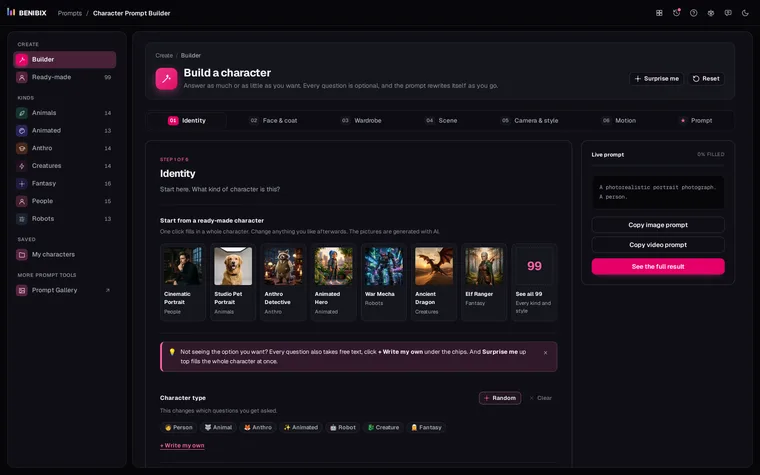
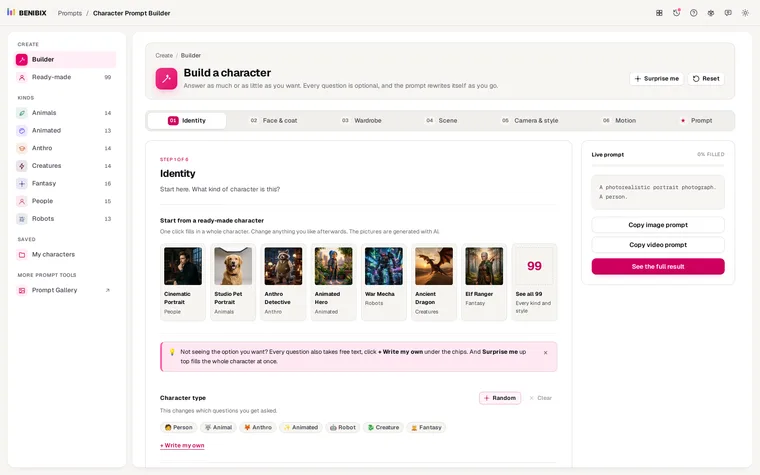
Character Prompt Builder asks a few questions about your character and writes a ready image prompt and video prompt in plain sentences, plus an identity block you paste into every clip so the character stays the same. Its video prompts are written for Veo and Sora, and the plain-sentence form is a good start for Kling too. For the full formula behind any video prompt, see the AI video prompt formula.