Short answer: write every video prompt in four parts: the subject in detail, what it does, how the camera moves, and what you hear. Keep one clip to one shot, and write it in the order of a shot list: the shot and camera first, then subject and action, then sound.
Video models fill every gap you leave. Leave out the camera and you get a random drift; leave out the sound and you get music you did not ask for. An image prompt describes one moment, but a video prompt has to describe what changes.
What are the four parts?
| Part | What to write | Example |
|---|---|---|
| Subject | Who or what, in detail: looks, clothes, colours | A courier in a yellow rain jacket with a black backpack |
| Action | One clear thing that happens | rides a bike through a puddle and looks back over her shoulder |
| Camera | Shot size and one camera move | Low tracking shot from the side, the camera keeps pace with her |
| Sound | What you hear | Rain on the street, a bike bell, distant traffic, no music |
Put together, in shot-list order:
Why one shot per clip?
A clip is a few seconds long. Ask for a cut, a second location or two camera moves, and the model squeezes them in or skips one. Write the next shot as the next clip, and join the clips in an editor.
How do you keep the same character in every clip?
Describe the character once, in detail, and paste that exact description into every prompt. Change only the action, the camera and the sound. The same method works for pictures; keep an AI character consistent shows it step by step.
Does it matter which video model you use?
The four parts describe a shot, which every video model needs to be told, whether it is Veo, Sora or another. Models do come and go: Google's AI Studio docs say the Veo 3.1 preview models in the Gemini API were shut down on 22 October 2026 and point to Gemini Omni Flash instead. A prompt written as a shot list moves with you to the next model. Veo's own advice is in Veo 3 prompts: write them like a shot list.
Where can you check this?
Can you get the character part written for you?
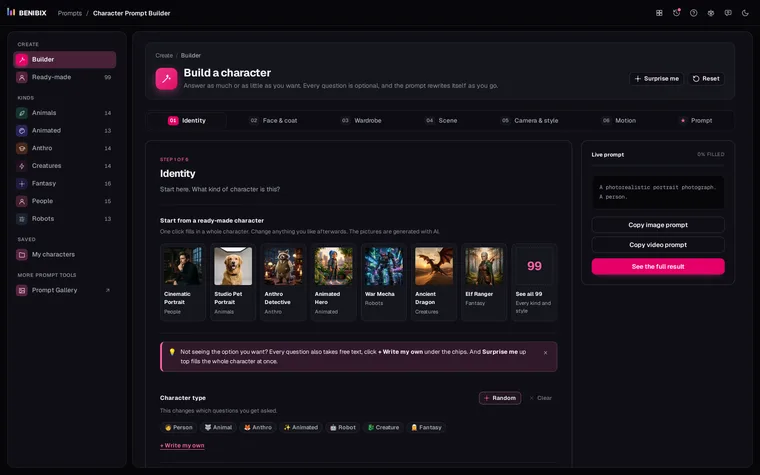
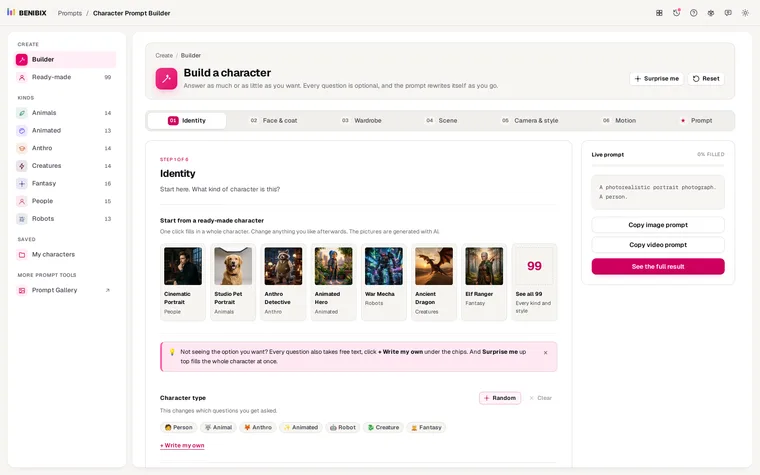
The subject is the part most people underwrite. Character Prompt Builder asks a few questions about a person, animal, creature or robot, or starts you from one of 99 ready-made characters, and gives you prompts for stills and video plus an identity block to paste into every clip.