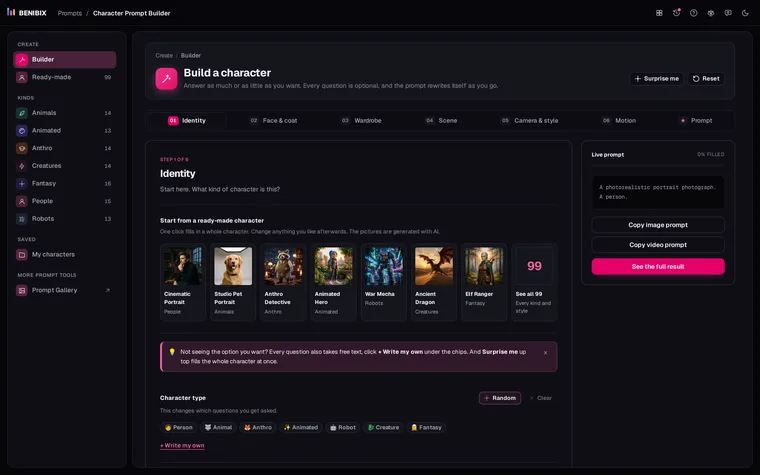
Short answer: describe the character once, in detail, and paste that exact description into every prompt. Change the scene, the camera and the light as much as you like, but never the words about the character. Most "my character looks different in every image" problems come from rewording the character a little each time.
That sounds too simple, so here is why it works, what to put in the description, and what to add when words alone are not enough.
Why does the face change between prompts?
An image model does not remember your last image. Every prompt starts from nothing, and every word nudges the result. "Pink hair" and "pastel pink hair" are different instructions, and so are "violet eyes" and "striking violet eyes". Swap one adjective, move a phrase to the end, and you have asked for a slightly different person.
Scene words leak into the character too. "At night in the rain" darkens the skin and changes the hair. That part you cannot avoid, but you can keep it small by describing the character precisely enough that the scene has less room to improvise.
How do you split the prompt?
Think of every prompt as two parts:
- The identity block. Only the character: age, build, skin, face, hair, eyes, clothes, one or two signature details. Written once, never edited.
- The scene. Everything else: where they are, what they do, the camera, the light, the style.
Here is a real identity block, the one Character Prompt Builder writes for its ready-made Cyberpunk Runner:
A 28-year-old androgynous person, tall and lanky. They have light olive
skin, pastel pink dyed hair in an undercut fade, striking violet eyes.
Wearing dark futuristic techwear with strapping, with matte premium
over-ear headphones, in black combat boots.And three scenes that go after it, unchanged:
... standing under a neon sign on a rain-slicked Tokyo street, moody neon glow, medium shot
... on a rooftop at dawn, city skyline behind, soft golden backlight, wide shot
... in a photo studio, grey seamless backdrop, softbox key light, head-and-shoulders portraitThe identity is the same text, character for character, in all three. That is the whole trick.
What makes a good identity block?
- Specific over pretty. "Undercut fade" pins the hair down; "cool hairstyle" lets the model choose.
- Two or three signature details. Violet eyes and headphones round the neck are what people recognise. Give the character a few, and keep them in every prompt.
- Clothes as part of the identity. If the outfit changes, people read it as a different character. Put the outfit in the block, and make a second block for a second outfit.
- No scene words. Leave "smiling", "in the rain" or "at night" out of the block. They belong to the scene, and the block has to work in every scene.
- The same order every time. Models weigh early words more. Keep the order fixed, and keep the most important features first.
How should you write it for your model?
The same character needs a different shape of prompt per model:
| Model | What it likes | How the identity block looks |
|---|---|---|
| Flux, GPT Image, Firefly | Natural sentences | A full sentence, as above |
| Midjourney v6 and v7 | Short phrases, then flags | Comma-separated phrases, then --ar 16:9 --v 7 |
| Stable Diffusion (SDXL, SD 1.5) | Lowercase tags | androgynous person, pastel pink undercut, violet eyes, techwear |
| Veo 3, Sora (video) | Sentences, plus motion | The sentence, then what they do and how the camera moves |
For Stable Diffusion, add a negative prompt for what tends to go wrong with that kind of character: hands and extra fingers for people, extra legs or merged paws for animals.
What if words are not enough?
A fixed text block gets you most of the way. For the last stretch, use what your tool offers on top of it:
- A reference image. Midjourney has character reference (
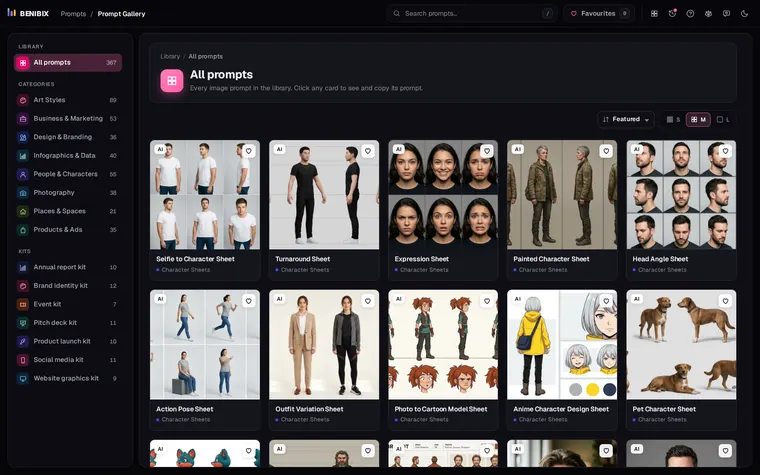
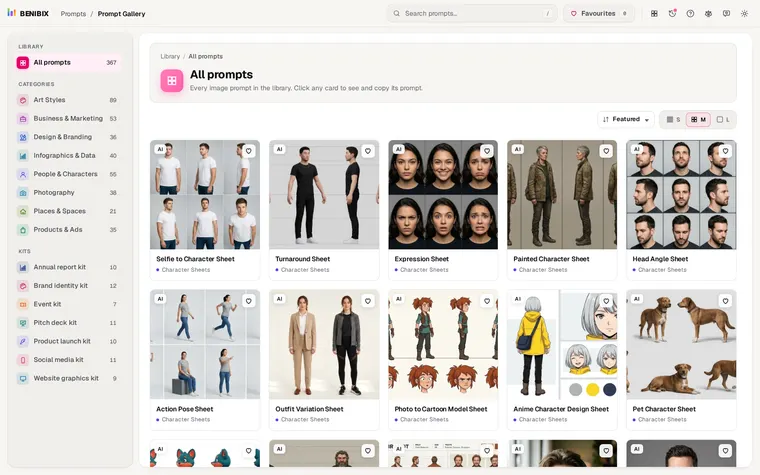
--crefin v6) and omni-reference (--orefin v7); most other tools let you attach an image of the character. Keep the text block as well, because the reference and the words reinforce each other. - A character sheet first. Generate one image with the character from the front, side and back on a plain background, then use it as the reference for every scene. Prompt Gallery has tested character sheet prompts that start from a selfie or from a text description.
- Fix the seed while you tune a scene, so only the words you change make a difference.
Does the same work for video?
A video is ten or twenty prompts, one per shot, and every one of them has to carry the same identity block. This is where copying by hand breaks down: shot seven gets a slightly different description and the character changes halfway through.
Keep the block in one place and paste it into every shot prompt, never retype it, so every shot quotes the same words.
Where can you check this?
- Midjourney documentation
- Google AI for Developers: Image generation with Gemini
- Google AI for Developers: Video generation with Veo
What is the short version?
- Write the character once, as an identity block, and never reword it.
- Put everything else, including the mood and the pose, in the scene.
- Match the form to the model: sentences, phrases with flags, or tags.
- Add a reference image or a character sheet when the text alone drifts.
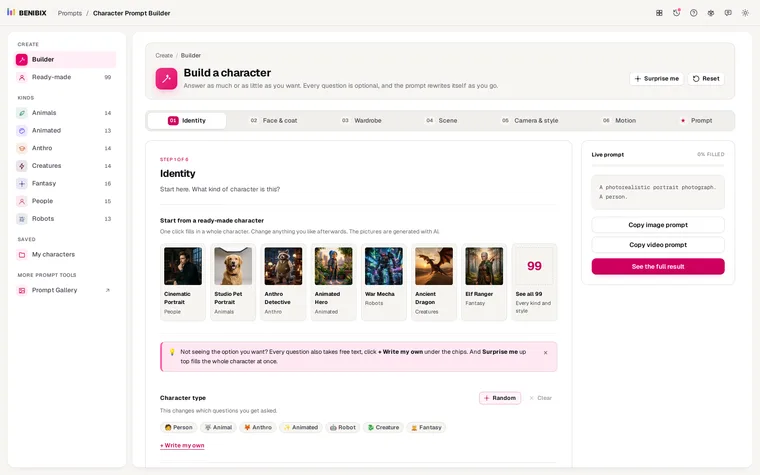
Character Prompt Builder walks you through the identity block in six steps and writes it as plain sentences, Midjourney flags or Stable Diffusion tags, and the free course shows the whole process, from a blank or ready-made character to a character sheet.