Short answer: write a Veo prompt in the order a film crew reads a shot list: the shot and camera move, then the subject and what it does, then the sound in its own sentences. Name people and things specifically, and say what you want rather than what you do not want.
Veo follows a prompt closely, which is good news and bad news. A vague prompt gets a vague clip with a camera that drifts and music nobody asked for. A prompt written like a shot list gets a clip you can cut into a video.
What goes into a Veo prompt?
Google's prompt guide for Veo names these parts:
| Part | What to write | Example |
|---|---|---|
| Camera | Angle and movement | Slow push-in, eye level |
| Subject | Specific, not generic | A grey-haired baker in a flour-dusted apron |
| Action | Movement and expression | kneads dough, then looks up and smiles |
| Scene | Where and when | in a small bakery before sunrise |
| Style | Light, mood, look | warm tungsten light, cosy, film look |
| Audio | In separate sentences | The thud of dough on wood. Quiet radio in the background. |
Put together:
How do you prompt speech and sound?
Google recommends describing audio in separate sentences. For speech, say who speaks and what, in the form its guide uses: the baker says: "Fresh in five minutes." Sound effects and ambient noise get a sentence each.
How do you leave something out?
Describe what you do not want as things to avoid rather than with "no" or "don't". Google's guide advises against instructive wording like that and recommends naming the unwanted elements, for example in a negative prompt where the tool offers one.
How do you keep the same character in every clip?
Write the character's description once, in detail, and paste the exact same words into every clip. Change only the camera, action and sound. Keep an AI character consistent shows the method.
Which Veo can you still use?
Google's AI Studio docs say the Veo 3.1 preview models in the Gemini API were shut down on 22 October 2026 and point to Gemini Omni Flash, and Google's prompt guide now covers "Gemini Omni Flash and Veo" together. The shot-list method carries over to either. The general formula, for any video model, is in the four parts every video prompt needs.
Where can you check this?
Can you get the character written for you?
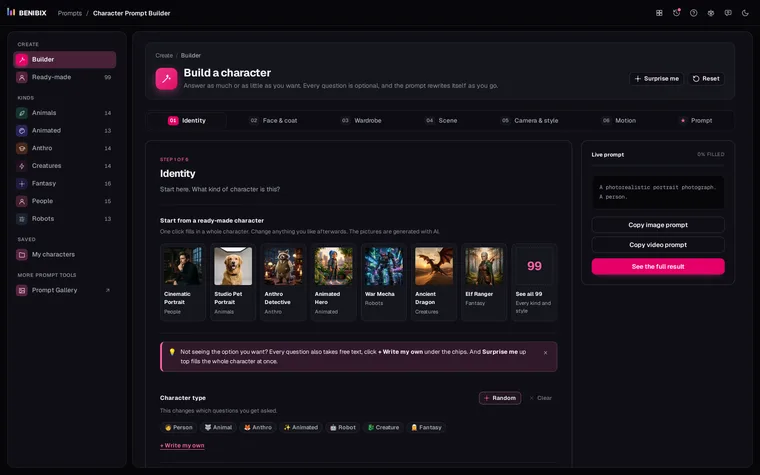
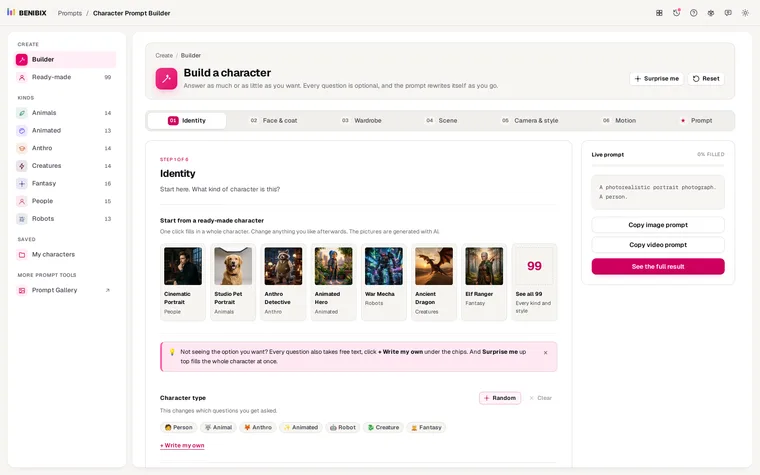
The subject line is the one most people underwrite. Character Prompt Builder asks a few questions about a person, animal, creature or robot, or starts you from one of 99 ready-made characters, and gives you prompts for video and stills plus an identity block to paste into every clip.