Short answer: Kling's own user guide for Kling 4.0 builds a prompt in three blocks: the overall look (scene and texture, visual style, camera tone), the sequence of events in timed beats with the camera moves, and the audio (dialogue, ambient sound, music, effects). Its rule for the words: describe what you would see, not a feeling. Not "vintage feel" but "yellowed walls, worn furniture edges and warm incandescent light". And skip negative instructions, except the two the guide says are really needed: no subtitles and no background music.
Most Kling prompts that fail are not too short. They are full of words the model has to guess at: "premium", "cinematic", "moody". Kling's team wrote down how their model reads a prompt, and it is worth copying.
Checked against Kling's Kling 4.0 user guide on 23 November 2026.
What are the three blocks of a Kling prompt?
The guide gives a template. Without reference images it comes down to:
[Overall Settings] Scene and texture: ___; visual style: ___; camera tone: ___.
[Sequence of Events]
0-X s: ___ (visuals + action + emotion)
X-Y s: ___ (camera movement + additional details)
Y s-end: ___ (closing shot)
[Audio] Dialogue or voiceover + ambient sounds + music + sound effectsThe overall settings fix what stays the same for the whole clip. The beats say what changes and when, which matters more now that Kling 4.0 makes clips of 3 to 30 seconds in one pass. The audio block is there because Kling 4.0 generates sound with the picture.
With reference images, an [Asset Roles] block goes first: "@Image1 defines the scene; preserve its layout and lighting. @Image2 defines the woman; preserve her face, hair and clothes." The guide warns that assets with no role make the model guess.
How do you replace vague words?
The guide's principle: use descriptive language, keep abstract terms to a minimum, and describe the visual details explicitly so the model does not have to infer them. Its own rewrites:
| Not this | Write this |
|---|---|
| Premium look | Side backlight outlines the object's edges, the background is blurred, fine matte grain on the surface |
| Vintage feel | Yellowed walls, worn furniture edges, warm incandescent light |
| A middle-class family's kitchen | Wood-grain cabinets, a rice cooker and seasoning jars on the counter, sticky notes on the fridge door |
| Don't show her face while she's on the phone | She is shown in profile while talking on the phone |
The test for any word in your prompt: could a camera operator film it? "Warm incandescent light" yes; "nostalgic" no.
Why skip "no" and "don't"?
Because negative prompts can increase the chance of errors, the guide says. Naming a thing, even to forbid it, puts it in the model's mind. Describe what should be there instead, as in the phone example above.
The two exceptions are things Kling may add by default: subtitles and background music. If you do not want them, say so: "no subtitles, no background music". Everything else, leave out.
What does a full prompt look like?
A 10-second clip in the guide's structure:
[Overall Settings] Scene and texture: a small bakery at dawn, flour dust in the air, worn wooden counter; visual style: natural colour, soft film grain; camera tone: calm, handheld at eye level.
[Sequence of Events]
0-4 s: A baker in a white apron slides a tray of round loaves out of the oven, steam rising, she smiles.
4-8 s: The camera dollies in slowly as she taps one loaf and listens to the hollow sound.
8-10 s: Close-up of her hands breaking the loaf open, steam curling up in the window light.
[Audio] The crackle of the crust, the oven door closing, quiet street sounds outside. No dialogue, no subtitles, no background music.Every line is something you could point a camera at. For the camera words themselves, see AI video camera moves.
Where can you check this?
- Kling: Kling 4.0 user guide, the prompt principle, the rewrites, the two necessary negatives and the prompt structure
- Kling: Text-to-video prompt guide, the earlier subject, movement and scene formula
Can you get the character and the camera written for you?
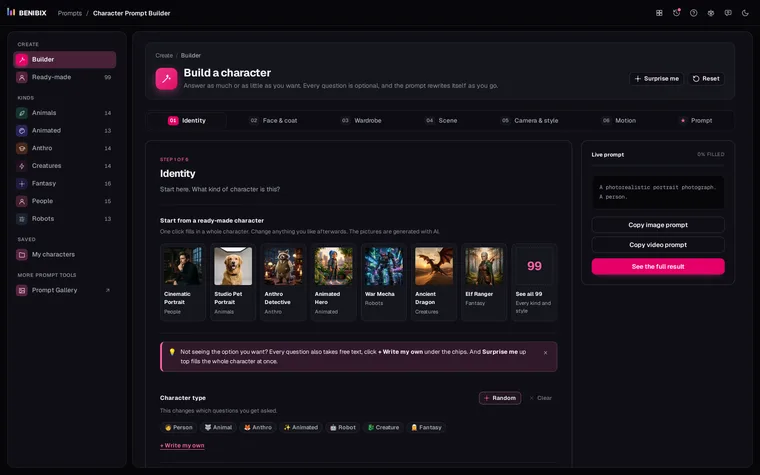
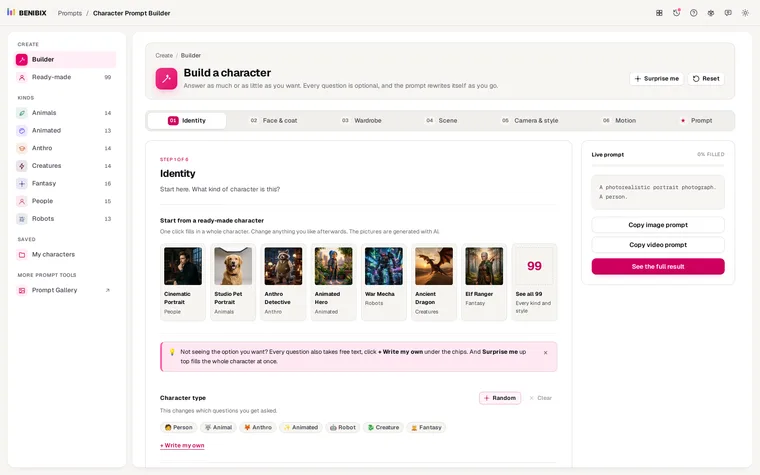
Yes. Character Prompt Builder asks a few questions about your person, animal, creature or robot and writes the video prompt in plain, visual sentences: pick the motion and the camera move, then copy it into Kling. Its identity block keeps the same character in every clip. For what is new in the model itself, see Kling 4.0: what's new.