Short answer: Use words and a picture. Write one identity block (face, hair, build, outfit) and paste it word for word into every prompt. Attach a clear front view of the character as a reference, if your tool takes one. Then change only the scene: the place, the pose, the light. To check it worked, make a close-up, a wide shot and an action shot; if it is the same face in all three, you are done.
Same prompt, different face: that is what most people get on the third try. Words leave room for the model to guess, and every guess is a new person. A reference picture closes that gap, and the words keep it closed when the picture alone is not enough.
Checked against Google's image and video generation docs on 14 November 2026.
Why are words not enough?
"A woman with short red hair and green eyes" fits millions of faces. The model picks one each time. An identity block narrows it a lot, but the shape of a face, the exact nose, the way the hair falls are hard to pin down in words. A picture shows them at once.
The reverse is also true: a picture alone gets re-interpreted when the new scene is very different, a new outfit for example. Words tell the model which parts of the picture must not change.
What makes a good reference picture?
| Do | Avoid |
|---|---|
| Face to the camera, shoulders up or full body | Profile, sunglasses, hair over the face |
| Plain background | A busy street behind the character |
| Even, soft light | Hard shadows or coloured club lighting |
| The outfit you want to keep | A different outfit than the identity block says |
| One character per picture | Group shots |
A character sheet (front, side and back on one plain image) makes a strong reference too. AI character sheet prompts shows how to make one.
How many references can you attach?
It depends on the model. Two examples from Google's docs:
| Model | Character references |
|---|---|
| Nano Banana Pro (images) | Up to 5 characters, plus objects and style references |
| Nano Banana 2.1 (images) | Up to 4 characters |
| Veo 3.1 (video) | Up to 3 reference images of a character, object or scene |
If your tool takes no picture at all, the identity block carries the whole job, so make it as specific as you can.
What changes between shots, and what never does?
Keep the face, hair and outfit words exactly the same, in the same order. Change everything else:
How do you test that it holds?
Three shots tell you more than ten similar ones:
- A close-up: does the face match the reference in detail?
- A wide shot: does the character still read as the same person when small in the frame?
- An action shot: running, turning, laughing. Movement is where faces drift.
If one fails, change the identity words, not the scene words, and run all three again.
Where can you check this?
- Google AI Studio docs: Image generation, character reference limits per model
- Google for Developers: Introducing Veo 3.1, reference images for video
Can you skip writing the identity block?
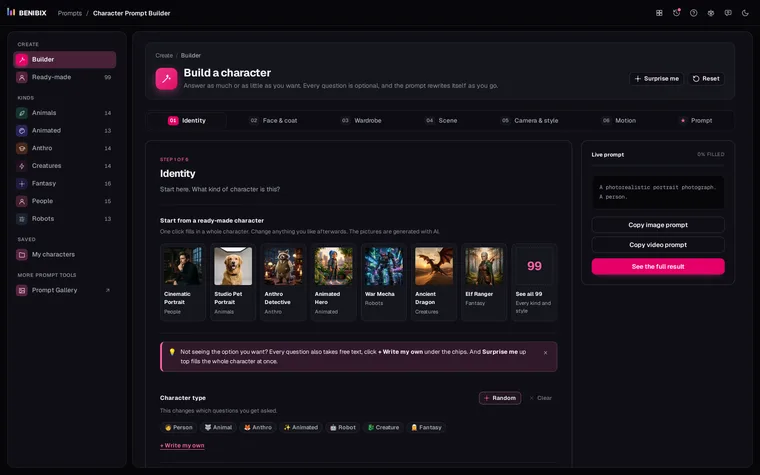
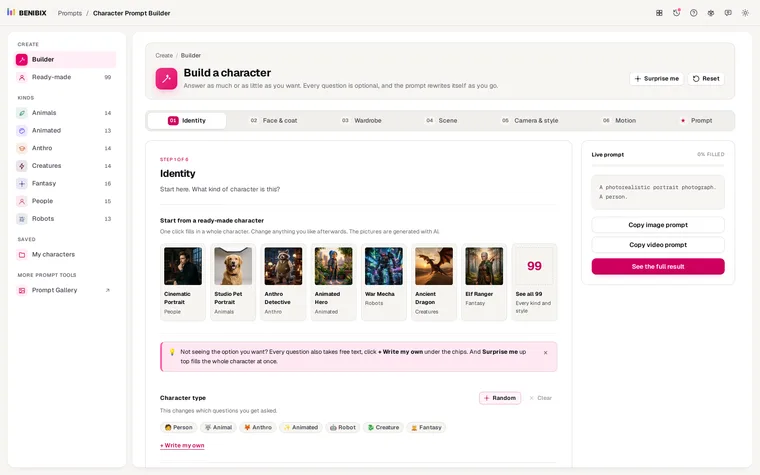
Character Prompt Builder walks you through six steps, from identity and face to wardrobe, scene, camera and motion, and gives you an identity block to reuse word for word, plus image and video prompts. For the full method behind the words, read keep an AI character consistent across images and video.