Short answer: a good image prompt names the subject first, then where it is, then the style, the light, the camera and the format, in plain words and in that order. Most weak prompts are either too vague ("a cool product photo") or a pile of adjectives with no subject the model can hold on to.
Here is the order we use for the prompts in the Prompt Gallery, why it works, and what to change for each model.
What are the six parts, in order?
- Subject. Who or what, with the two or three details that matter. "A ceramic coffee mug, matte sage green, a thin chip on the rim."
- Setting. Where it is and what is around it. "On a scrubbed oak table by a window, a folded linen napkin beside it."
- Style or medium. "Editorial product photograph", "watercolour illustration", "3D render in the style of a clay animation".
- Light. The single biggest lever for mood. "Soft morning window light from the left, long gentle shadows."
- Camera. Framing and lens, even for illustrations. "Close-up, 85mm, shallow depth of field."
- Format. Aspect ratio and anything about the output, such as "no text".
Put together:
A ceramic coffee mug, matte sage green, a thin chip on the rim, on a
scrubbed oak table by a window with a folded linen napkin beside it.
Editorial product photograph, soft morning window light from the left,
long gentle shadows, close-up, 85mm, shallow depth of field. 4:5, no text.Models give more weight to what comes first. Leading with the subject means the subject survives even when the model drops some of the details at the end.
What changes per model?
The six parts stay the same. The form changes:
| Model | Write it as | Notes |
|---|---|---|
| Flux | Full sentences, as above | Follows long, precise descriptions well, including text on objects |
| Midjourney | Short phrases, then parameters | --ar 4:5 for the format, --no text for what to leave out, --v 7 for the version |
| Nano Banana (Gemini) | Plain sentences or instructions | Very good at edits: "make the mug terracotta and keep everything else" |
| Stable Diffusion | Lowercase tags, most important first | Put what you do not want in the negative prompt |
| GPT Image, DALL·E 3 | Sentences | Rewrites your prompt internally, so say what must not change |
For Midjourney, the same prompt becomes:
matte sage green ceramic mug with a chipped rim, oak table by a window,
linen napkin, editorial product photo, soft morning window light,
close-up, shallow depth of field --ar 4:5 --no text --v 7Which mistakes waste a generation?
- No subject. "Moody, cinematic, beautiful, 8k" describes a feeling, not a picture. Start with a thing.
- Contradictions. "Minimalist" and "richly detailed" in one prompt make the model pick one at random.
- Stacked style names. Three art styles in one prompt average out into none of them. Choose one.
- Describing the camera instead of the picture. "Shot on a Sony A7 IV" helps less than "shallow depth of field, soft background".
- Asking for text without quoting it. If words must appear, put them in quotes: a sign that says "OPEN".
How do placeholders make a prompt reusable?
Once a prompt works, keep its structure and swap the subject. Write it with placeholders:
A [product], [colour and material], on [surface] by a window.
Editorial product photograph, soft morning window light from the left,
close-up, 85mm, shallow depth of field. [aspect ratio], no text.Now the same light and camera give you a consistent series: the mug, the teapot, the plates, all looking like one shoot. Most prompts in the Prompt Gallery are written this way, and its Customize panel fills the placeholders in for you before you copy.
How do you check the result against the prompt?
When a picture comes out wrong, read your prompt again part by part. Wrong mood usually means the light is missing or vague. A cluttered picture usually means the setting listed too many objects. A subject that changed shape usually means it was not first. Fix one part at a time, so you learn which words did what.
Where can you check this?
- Midjourney documentation
- Google AI for Developers: Image generation with Gemini
- OpenAI API docs: Image generation
What is the short version?
- Subject, setting, style, light, camera, format: in that order.
- Sentences for Flux, Nano Banana and GPT Image; phrases and parameters for Midjourney; tags for Stable Diffusion.
- One style, no contradictions, quoted text.
- Keep prompts that work as templates with placeholders.
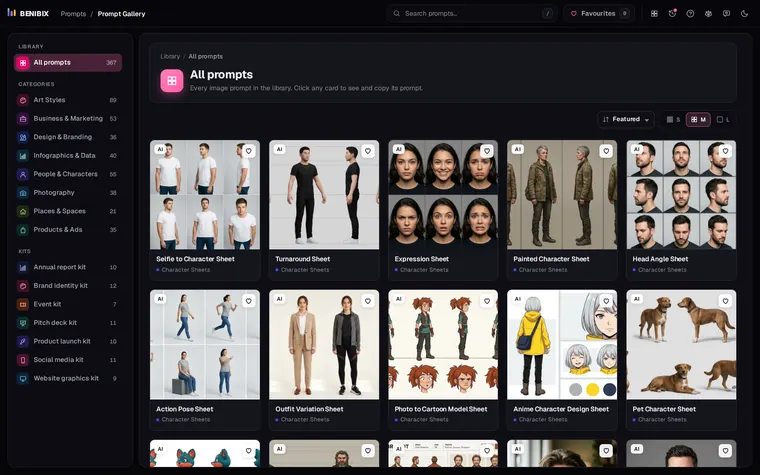
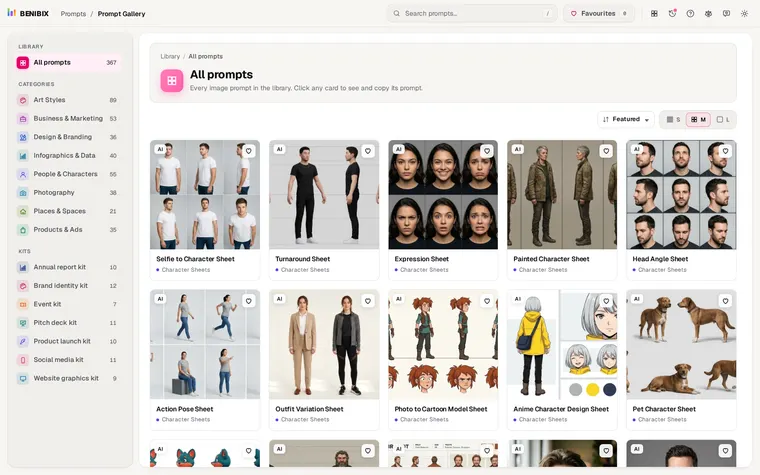
To see what a prompt actually produces before you use it, the Prompt Gallery shows 367 tested prompts next to the image each one made. For a character that has to look the same in every picture, see how to keep an AI character consistent.