Short answer: Claude Code already has agents built in: Explore searches your code read-only, Plan does the research behind a plan in plan mode, and general-purpose takes bigger jobs with every tool. To add your own, write one markdown file in .claude/agents/ with a name and a description at the top, then call it by typing @ and picking it. Each agent works in its own context window, so your main chat stays clean.
You may have seen Claude Code say it is "running an agent" without ever making one. That is a built-in agent at work. Knowing which ones exist tells you when to let Claude delegate and when a custom agent is worth writing.
Checked against the Claude Code docs on 14 November 2026 (Claude Code 2.1.325).
Which agents does Claude Code have built in?
| Agent | Tools | What Claude uses it for |
|---|---|---|
| Explore | Read-only; Write and Edit are denied | Finding files and searching code without changing anything |
| Plan | Read-only; Write and Edit are denied | Research during plan mode, before Claude presents a plan |
| General-purpose | Every tool available to subagents | Jobs that need both exploring and changing code, or several dependent steps |
There are a few more helpers that Claude calls on its own, such as statusline-setup when you run /statusline and claude-code-guide when you ask how Claude Code works. You never need to call those yourself.
When Claude hands a search to Explore, it also picks how deep to go: quick, medium or very thorough. Explore and Plan start without your CLAUDE.md files, which keeps research fast and cheap.
Why does an agent keep your chat clean?
Every agent runs in its own context window with its own system prompt and tools. Explore might read forty files to find one function, but only its answer comes back to your conversation, not the forty files. That is the whole point: the main chat keeps room for the work you care about.
One thing to know: an agent sends its own requests, and they count toward the same usage limits as your main conversation.
How do you add your own agent?
Make one markdown file. In .claude/agents/ it belongs to this project (check it in, and your team gets it too); in ~/.claude/agents/ it works in every project on your machine.
---
name: test-runner
description: Runs the test suite after code changes and reports failures with the failing file and line. Use after any edit to src/.
tools: Read, Grep, Glob, Bash
---

Run the project's tests. Report only failing tests, each with the file,
the line and one sentence on the likely cause. Do not fix anything.name and description are the only required fields. The description matters most: Claude reads it to decide when to hand a task to this agent, so say when to use it, not only what it is. If the new agent does not show up and the agents folder did not exist before, restart Claude Code once.
How do you make Claude use a specific agent?
Type @ and pick the agent from the list, the same way you mention a file. That guarantees this agent runs for the task. You can also type @agent-test-runner by hand; the list shows files while you type, but the mention still works when you send it.
Without a mention, Claude decides for itself by matching your task to each agent's description.
Can you turn a built-in agent off?
Yes. Add it to permissions.deny in your settings, for example "Agent(Explore)". A project or user agent named Explore replaces the built-in one, so you can give exploration a cheaper model with model: haiku.
Where can you check this?
- Claude Code docs: Subagents, built-in subagents, file locations, frontmatter fields and @-mentions
Can you write the agent file without guessing the fields?
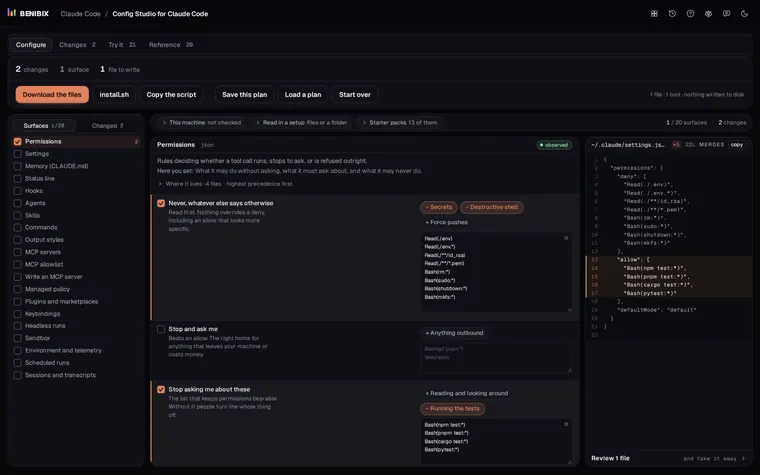
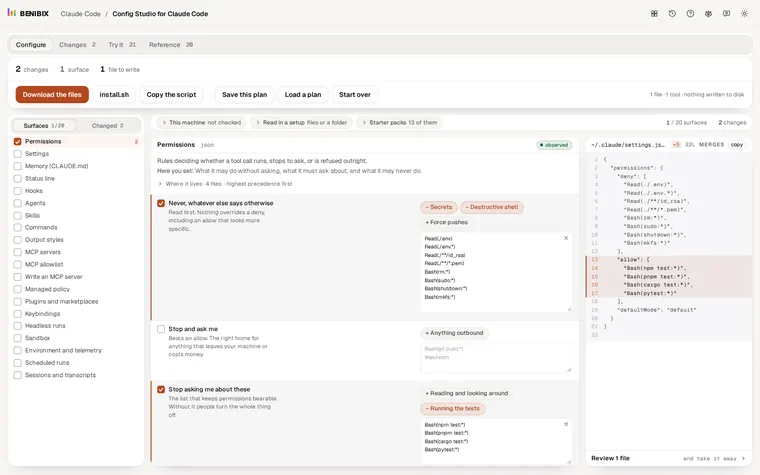
Config Studio for Claude Code has an Agents editor with every frontmatter field explained, and writes the file for you to copy; nothing touches your disk until you save it yourself. For writing a description that gets your agent picked, read Claude Code subagents: create one that actually gets used.