Short answer: in VS Code, open the Extensions view (Ctrl+Shift+X, or Cmd+Shift+X on a Mac), search for Claude Code, install it, then click the spark icon and Sign in with a paid Claude plan or a Claude Console account. You get proposed edits as side-by-side diffs, @-mentions of the lines you select, and plans you can comment on before Claude starts. It needs VS Code 1.94.0 or later, and it does not put the claude command on your PATH.
If you live in VS Code, switching to a terminal for every request breaks the flow. The extension puts Claude Code in a panel next to your code, with the same agent and the same settings underneath.
Checked against the Claude Code VS Code docs on 17 November 2026.
How do you set it up?
- Check your version: Help, About. It must be 1.94.0 or later.
- Install: Extensions view, search Claude Code, click Install. If it does not show up, run Developer: Reload Window from the Command Palette.
- Open the panel: click the spark icon.
- Sign in: click Sign in and finish in your browser. Any paid plan (Pro, Max, Ultra, Team or Enterprise) or a Console account works, and no API key is needed.
What does the editor add over the terminal?
| Feature | What it does |
|---|---|
| Side-by-side diffs | Before an edit, Claude shows the original and the proposed change next to each other and asks first |
| Accept or reject one change | Buttons on each change, so you keep part of an edit (Claude Code 2.1.275 or later) |
| @-mention a selection | Alt+K (Option+K on a Mac) inserts a reference like @file.ts#5-10 for the lines you selected |
| Plans as documents | In plan mode the plan opens as a Markdown file you can comment on before Claude begins |
| Shared history | The extension and the CLI share conversations: claude --resume in a terminal picks one up |
What does the extension not do?
It does not install the command line tool. The extension carries its own private copy of Claude Code for its panel, so typing claude in VS Code's terminal fails until you install the CLI separately. For the one-line install on each system, see install Claude Code.
Your settings are shared either way: the extension reads the same settings.json files, CLAUDE.md, skills and MCP servers as the terminal.
Where can you check this?
Can you set up its settings without editing JSON by hand?
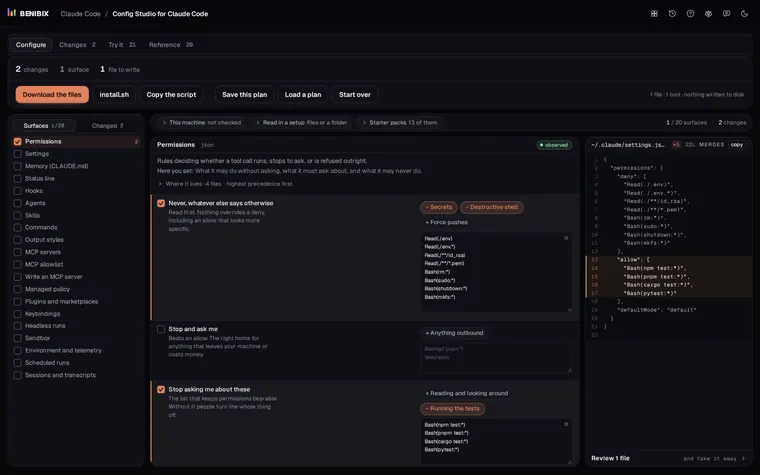
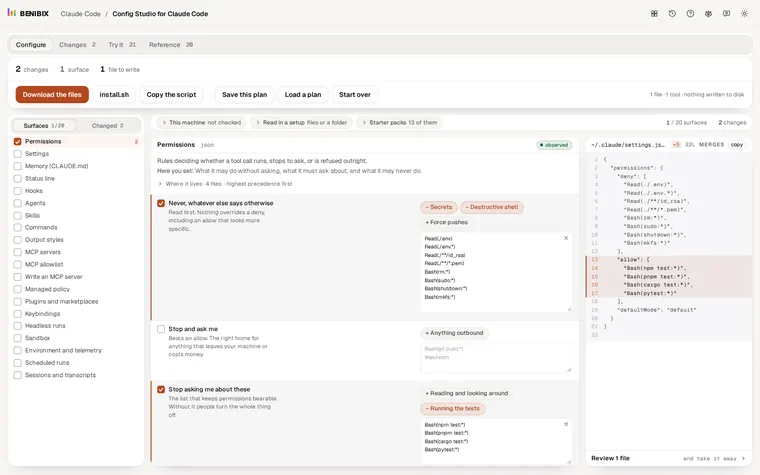
Config Studio for Claude Code has an editor for each file Claude Code reads, from settings.json and permissions to skills, agents and MCP servers. Pick what you want, see the exact file it writes and where it goes, and the VS Code extension picks it up like the terminal does.