Short answer: Use a real control and give it role="switch": a <button role="switch" aria-checked="false"> that flips aria-checked on click, or an <input type="checkbox" role="switch"> inside a <label>. Style a rounded track and a round knob, and move the knob with transform: translateX() when it is on. A cubic-bezier(.34, 1.56, .64, 1) easing gives it the small spring at the end.
Most toggle switches on the web are a <div> with a click handler: they look right and work for a mouse, but a keyboard cannot reach them and a screen reader announces nothing. The fix costs nothing, because the browser already has controls that do all of that.
Which element should a toggle switch be?
A button or a checkbox, never a <div>. MDN describes the switch role as "functionally identical to the checkbox role, except that instead of representing 'checked' and 'unchecked' states ... the switch role represents the states 'on' and 'off'." So a screen reader says "Notifications, switch, off" instead of "checkbox, not checked".
| Version | Use it when |
|---|---|
<button role="switch"> | The switch does something at once (dark mode, sound, notifications) |
<input type="checkbox" role="switch"> | The switch is part of a form that is submitted, or you want no JavaScript |
A toggle switch with a button
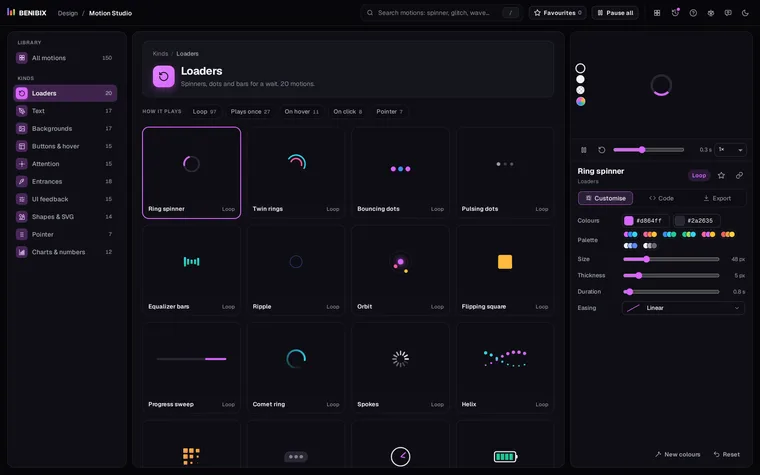
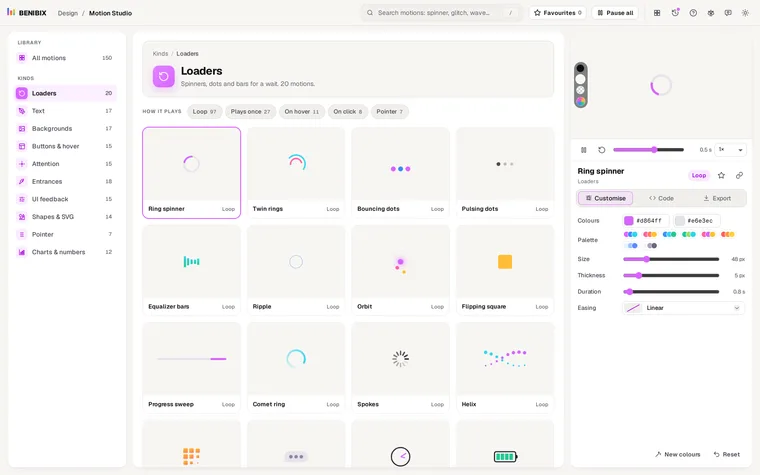
This is Motion Studio's Toggle switch, exported as plain HTML, CSS and JavaScript:
<button class="toggle-switch" type="button" role="switch" aria-checked="false" aria-label="Notifications"><span></span></button>.toggle-switch {
position: relative;
width: 49px;
height: 28px;
padding: 0;
border: 0;
border-radius: 28px;
background: #cfcbd8;
cursor: pointer;
transition: background 0.3s ease;
}
.toggle-switch span {
position: absolute;
top: 2.8px;
left: 2.8px;
width: 22.4px;
height: 22.4px;
border-radius: 50%;
background: #fff;
box-shadow: 0 2px 6px rgba(0, 0, 0, .3);
transition: transform 0.3s cubic-bezier(.34, 1.56, .64, 1);
}
.toggle-switch.is-on {
background: #20c997;
}
.toggle-switch.is-on span {
transform: translateX(21px);
}
@media (prefers-reduced-motion:reduce) {
.toggle-switch, .toggle-switch *, .toggle-switch::before, .toggle-switch::after, .toggle-switch *::before, .toggle-switch *::after {
animation: none !important;
transition: none !important;
}
}document.querySelectorAll('.toggle-switch').forEach(el => {
el.addEventListener('click', () => {
const on = el.classList.toggle('is-on');
el.setAttribute('aria-checked', on);
});
});The knob travels 21px: the track's width (49px) minus the knob (22.4px) minus a 2.8px gap on each side. Change the height and keep the same ratios, and it still fits. A <button> answers Space and Enter with a click by itself, so the four lines above are all the keyboard support it needs. aria-label names it; with a visible text label next to it, use aria-labelledby pointing at that text instead.
A toggle switch with no JavaScript
A checkbox keeps its own state, so CSS alone can style it with :checked. The checkbox stays in the page for the keyboard and screen readers, but invisible; the <span> after it draws the switch:
<label class="switch">
  <input type="checkbox" role="switch">
  <span class="switch-track" aria-hidden="true"></span>
  Notifications
</label>.switch {
position: relative;
display: inline-flex;
align-items: center;
gap: 10px;
cursor: pointer;
}
.switch input {
position: absolute;
width: 1px;
height: 1px;
opacity: 0;
}
.switch-track {
position: relative;
flex: none;
width: 49px;
height: 28px;
border-radius: 28px;
background: #cfcbd8;
transition: background 0.3s ease;
}
.switch-track::after {
content: "";
position: absolute;
top: 2.8px;
left: 2.8px;
width: 22.4px;
height: 22.4px;
border-radius: 50%;
background: #fff;
box-shadow: 0 2px 6px rgba(0, 0, 0, .3);
transition: transform 0.3s cubic-bezier(.34, 1.56, .64, 1);
}
.switch input:checked + .switch-track {
background: #20c997;
}
.switch input:checked + .switch-track::after {
transform: translateX(21px);
}
.switch input:focus-visible + .switch-track {
outline: 2px solid #3d8bff;
outline-offset: 2px;
}
@media (prefers-reduced-motion: reduce) {
.switch-track, .switch-track::after {
transition: none;
}
}Clicking the text toggles it too, because it is inside the <label>. Never hide the checkbox with display: none: that removes it from the keyboard and from screen readers, and the switch is a picture again.
Why does the knob bounce at the end?
Because of the easing. In cubic-bezier(.34, 1.56, .64, 1) the second number is above 1, so the knob runs a little past its end and settles back: a small spring that makes the switch feel physical. Use ease instead for a calm slide. For the background colour, a plain ease is right, since a colour cannot overshoot.
What about people who turn animations off?
The prefers-reduced-motion rule in both versions switches the slide off for people who have asked their system for less motion; the switch still changes, just without moving. prefers-reduced-motion explained covers the rule in detail.
Where can you check this?
Can you change the colours, size and spring without editing CSS?
Motion Studio has the Toggle switch with its on and off colours, height, duration and easing as settings, among 150 motion graphics. It exports the result as HTML and CSS, React, Vue or Svelte, a GIF or a video, with the reduced-motion rule already in the code.