Short answer: Give the path pathLength="1", set stroke-dasharray: 1 and stroke-dashoffset: 1 in CSS, and animate stroke-dashoffset to 0. The stroke then draws itself from start to end. It works on any SVG drawn with strokes (outline icons, signatures, chart lines), with no JavaScript and no library.
You have seen it on landing pages: a signature writes itself, a check mark ticks, an icon traces its outline. It looks like a drawing tool at work, but it is a trick with dashes, and once you see it, it takes four lines of CSS.
How does the line drawing effect work?
stroke-dasharray turns a stroke into dashes. If one dash is as long as the whole path, and the gap after it too, the path shows one full dash and nothing else. stroke-dashoffset slides that pattern along the path. Offset it by the full length and the gap covers the path: the line is invisible. Animate the offset back to 0 and the dash slides in, so the line appears to draw itself.
The only number you need is the length of the path. Older tutorials measure it with JavaScript (path.getTotalLength(), then a stroke-dasharray: 1234). You can skip that.
What does pathLength do?
pathLength tells the browser to treat the path as that long, whatever its real length, and to scale its dash calculations to match. MDN: stroke-dasharray "will assume the start of the path being 0 and the end point the value defined in the pathLength attribute."
So with pathLength="1" on every path, a dash of 1 covers any path exactly, long or short, and one rule animates them all. It works on path, line, polyline, polygon, circle, ellipse and rect.
How do you draw a line once?
A check mark that draws itself when the page loads:
<svg class="draw" viewBox="0 0 24 24" width="96" height="96" aria-hidden="true">
  <path d="M5 12.5l4.5 4.5L19 7.5" pathLength="1"/>
</svg>.draw {
fill: none;
stroke: #20c997;
stroke-width: 2.5;
stroke-linecap: round;
stroke-linejoin: round;
}
.draw path {
stroke-dasharray: 1;
stroke-dashoffset: 1;
animation: draw 0.8s ease-out 0.2s forwards;
}
@keyframes draw {
to { stroke-dashoffset: 0; }
}forwards keeps the finished line on screen when the animation ends. Without it, the line disappears again.
How do you draw it in a loop or on hover?
A loop that draws the line, holds it, then lets it run out at the other end (the pattern of Motion Studio's Line draw):
.draw path {
  stroke-dasharray: 1 1;
  animation: draw-loop 4s ease-in-out infinite;
}
@keyframes draw-loop {
  0%      { stroke-dashoffset: 1; }
  45%, 70% { stroke-dashoffset: 0; }
  100%    { stroke-dashoffset: -1; }
}On hover, use a transition instead of an animation:
.draw path { stroke-dasharray: 1; stroke-dashoffset: 1; transition: stroke-dashoffset 0.6s ease-out; }
.card:hover .draw path { stroke-dashoffset: 0; }How do you draw several lines one after another?
Give each path pathLength="1" and a growing animation-delay:
.draw path:nth-child(2) { animation-delay: 0.5s; }
.draw path:nth-child(3) { animation-delay: 1s; }An icon made of four strokes then draws stroke by stroke, like a hand would.
Why does my line not draw?
- It is a filled shape, not a stroke. Filled icons have no line to dash; they just appear. Use an outline icon, or
fill: nonewith a stroke. pathLengthis missing on one of the elements, so its dash is far shorter or longer than the path.- It is drawn the wrong way round. The line draws in the direction the path was drawn. Reverse it with
stroke-dashoffset: -1as the start value.
What about people who turn off motion?
Show the finished drawing to anyone who asked their system for less motion:
@media (prefers-reduced-motion: reduce) {
  .draw path { animation: none; transition: none; stroke-dashoffset: 0; }
}The line is then simply there. prefers-reduced-motion explained covers the rest of that rule.
Where can you check this?
Where can you get line drawing animations ready-made?
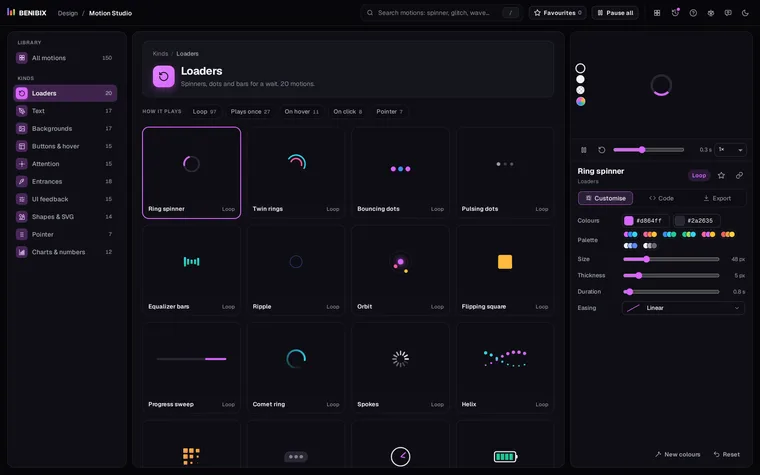
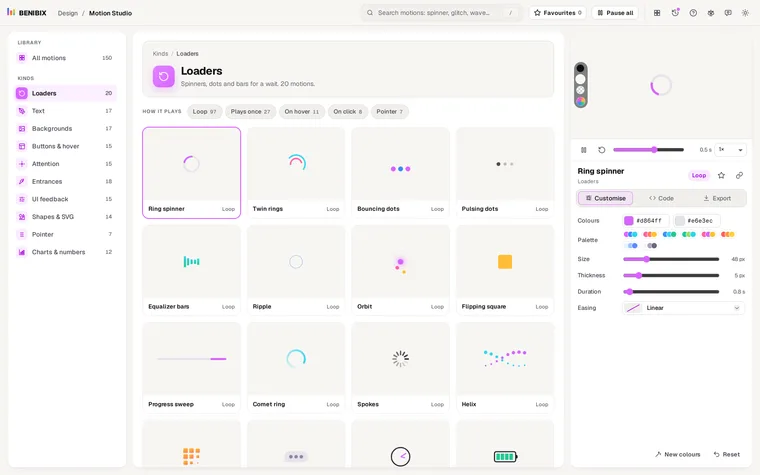
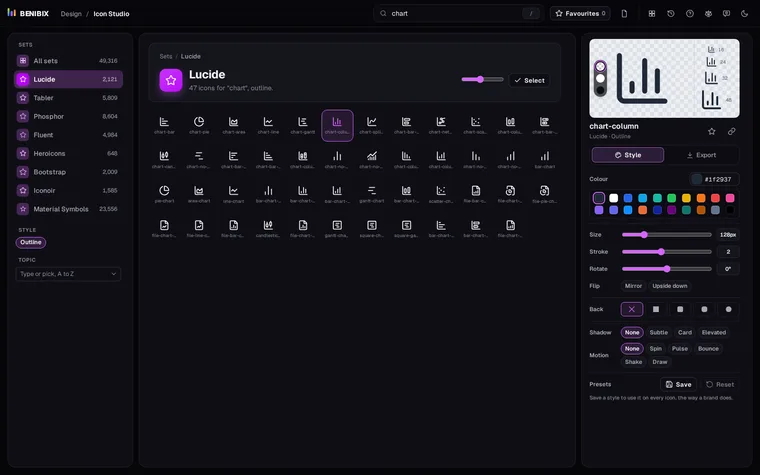
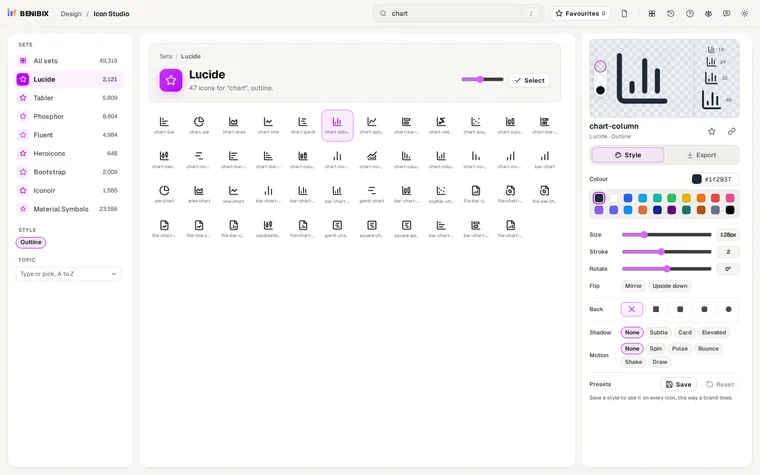
Motion Studio has the Line draw, Success check, Checkbox and Heartbeat line among its 150 motion graphics: change the colour, thickness, speed and easing, then copy HTML and CSS, React, Vue or Svelte, or download an animated SVG. For icons, Icon Studio has a Draw motion that traces any outline icon from its eight sets, with the CSS and the reduced-motion rule inside the SVG file.