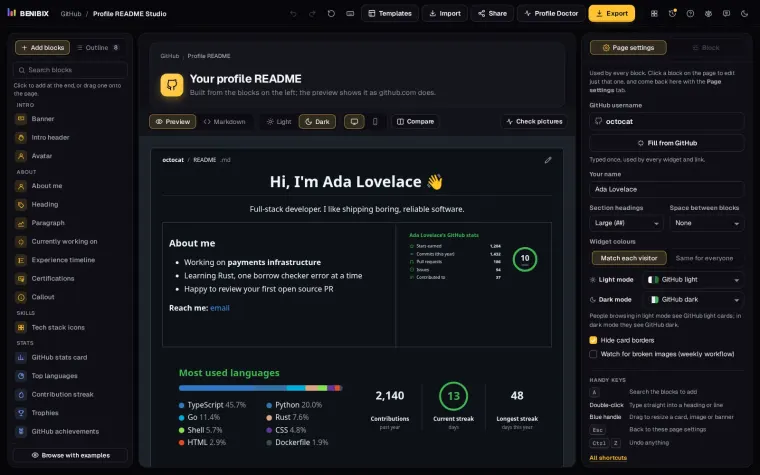
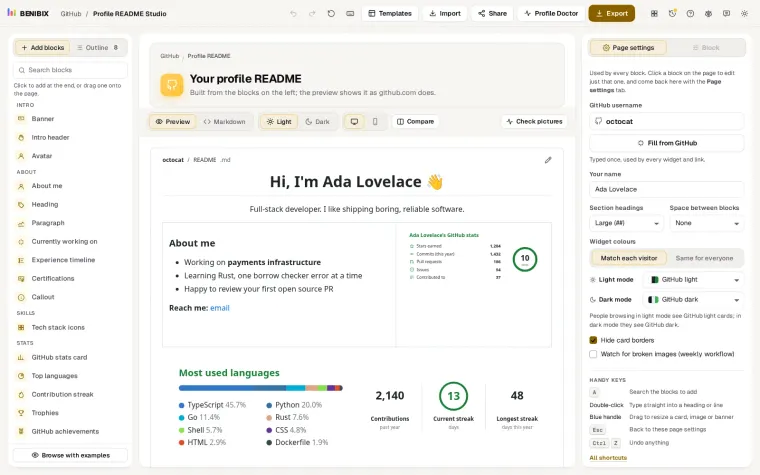
Short answer: create a public repository named .github in your organization and put the README in profile/README.md. GitHub shows it at the top of the organization's page, above the pinned repositories.
Organizations get a profile README too. It shows at the top of your organization's page on GitHub, above your pinned repositories.
Where does an organization README live?
An organization README lives in a public repository called .github, in profile/README.md. (A personal profile uses a repository named after your username, with README.md at the top.) You can also add a .github-private repository with its own profile/README.md, shown only to members.
What should you put in it?
- One sentence about what you build and for whom.
- Your main projects as pin cards, with a line each.
- How to get involved: good first issues, the contributing guide, the chat or forum.
- Contributors: a wall of contributor avatars thanks the people who help.
- Hiring or sponsoring, if you are.
Who sees which README?
Everyone sees the public one from .github. Members of the organization see the member README from .github-private instead, and the organization page has a View as switch so a member can check what the public sees. Use the public README for people deciding whether to use or join your project, and the member one for the team: where the runbooks are, who to ask, how to get access.
What does a starting point look like?
# Acme Data

Open-source tools for moving data from where it is made to where it is used.

## Projects
- **[pipeline](https://github.com/acme-data/pipeline)**: a scheduler for nightly loads
- **[schema-check](https://github.com/acme-data/schema-check)**: catches breaking changes before they ship

## Get involved
Start with an issue labelled `good first issue`, read CONTRIBUTING.md, and say hello in Discussions.Keep it short. The pinned repositories sit right below the README (an organization can pin up to six under Customize pins), so the README does not need to list every repository again. Say what the organization is for, point to the two or three projects that matter, and tell people how to take the first step.
Why does it not show?
Three things cause almost every case:
- The repository is private. The public README only shows from a public
.githubrepository. - The file is in the wrong place. It must be
profile/README.md. AREADME.mdat the root of.githubdescribes the repository itself and is not shown on the organization page. - It is on another branch. GitHub reads the default branch.
Does the .github repository do anything else?
Yes, and it is worth setting up while you are there. Files such as CONTRIBUTING.md, CODE_OF_CONDUCT.md, SECURITY.md, issue templates and FUNDING.yml in the .github repository become the defaults for every repository in the organization that does not have its own. One contributing guide then covers all your projects.
Where can you check this?
Can you build one without hand-writing Markdown?
In Profile README Studio, switch to Organization in Templates to get organization layouts, a contributors wall block and a hiring banner. Export and the publish helper then point at .github/profile/README.md in your organization instead of a personal repository.
The lesson Build a GitHub organization profile README builds one from start to finish, from the .github repository to the contributors wall.