Short answer: every AI photo trend is your photo plus one shared prompt. Everybody uses the same words and a different face, which is why the pictures look alike. To do one yourself, attach a sharp, well lit photo to an image model that edits photos, paste the prompt, ask it to keep your face, and swap the details for your own.
A trend looks like a special feature, and apps sell it that way. It usually is not. The figurine, the action figure in a box and the sticker sheet are ordinary photo edits, and the only thing that spread was the prompt. Once you can see the recipe, you can do any of them, and you can change them.
Checked against the Google and OpenAI docs (5 November 2026).
What is inside a trend prompt?
Four jobs, whichever trend it is. Here they are in Prompt Gallery's Your Action Figure prompt:
| Job | The words |
|---|---|
| What you become | "a boxed collectible action figure of the subject from the reference photo" |
| What stays you | "the same face shape, skin tone and hair" |
| Your details | "a camera, a guitar and a coffee cup" |
| The scene | "on a collector shelf of other boxed figures" |
Change the first line and you have a different trend. That is all that separates these:
| Trend | Prompt to copy | What you become |
|---|---|---|
| Action figure | Your Action Figure | A six-inch figure in a blister pack |
| Toy in a box | Boxed Vinyl Figure | A big-headed collectible on a shop shelf |
| Tiny figurine | Capsule Mini Me | A chibi figure in a toy capsule |
| China figurine | Porcelain Figurine | Glazed white china with blue patterns |
| Sticker sheet | Die-Cut Sticker Sheet | The same character in ten to twelve stickers |
| Trading card | Holographic Trading Card | A foil card with stats along the bottom |
How do you make it look like you?
The model can only keep what it can see, so the photo does most of the work:
- One person, with the face large in the frame. Not a group, and not a distant full-body shot.
- Sharp, in even light. Hard shadows and sunglasses cost likeness.
- Say what must stay. Add a line such as "Keep my face exactly: the same face shape, skin tone and hair."
If the face still drifts, ask again in the same chat with a stronger line: "Preserve the exact facial identity, bone structure, skin tone and hair of the reference." Some models also take more than one photo of a person: Google's image docs allow up to 4 character images on Nano Banana 2 and 2.1, and up to 5 on Nano Banana Pro.
Expect less from the cartoon styles. A big-headed chibi or vinyl figure simplifies your features on purpose, so what carries the likeness is your hair, your glasses and your outfit. An AI headshot from a selfie goes deeper when the face really has to match.
How do you make a trend your own?
Swap the details. It is the part most people skip, and it is why so many of the results look the same. In the action figure prompt, the accessory tray holds "a camera, a guitar and a coffee cup". Replace them with your own life:
Beside the figure, a moulded accessory tray holding a climbing rope, a chalk bag and a dented water bottle.Do the same for the outfit, the shelf behind you and the colours. Three small changes are enough to stop it looking like everyone else's. The action figure prompt has the full text, and how to get a name printed on the box.
What does the app do with your photo?
Check before you upload your face, because the answer differs by app and by setting. The two big chat apps, as of today:
| App | What their pages say | What you can change |
|---|---|---|
| Gemini | Uploads are saved in your activity, which Google uses to improve its services, including training generative AI models. Activity is auto-deleted after 18 months, and chats a person has reviewed are kept for up to three years. | Turn the activity setting off, or delete your activity |
| ChatGPT | Your conversations can be used to train models unless you opt out. Business plans are not trained on by default. | Turn off "Improve the model for everyone" in Data Controls, or use a Temporary Chat |
For any other app, look in its privacy policy for two things: whether photos are used for training, and how to delete them. If it does not say, assume the worst and use a different app. The same goes for other people's faces: ask them first, and think twice about photos of children.
Where can you check this?
- Google: Image generation with Gemini
- Google: Gemini Apps Privacy Hub
- OpenAI: How your data is used to improve model performance
Where do you find the prompts?
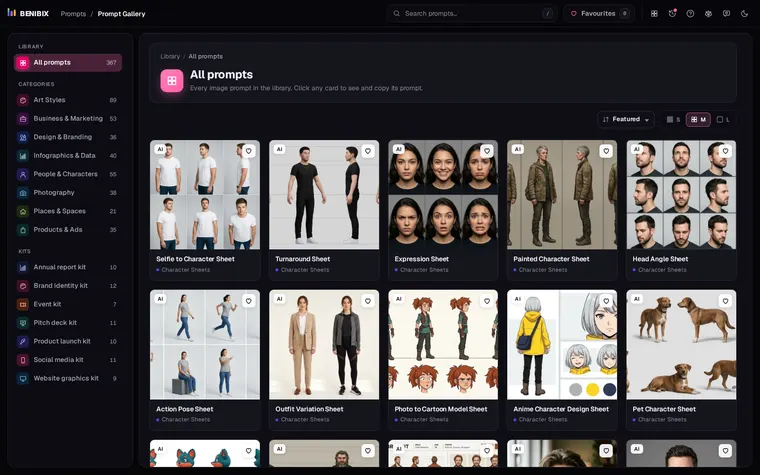
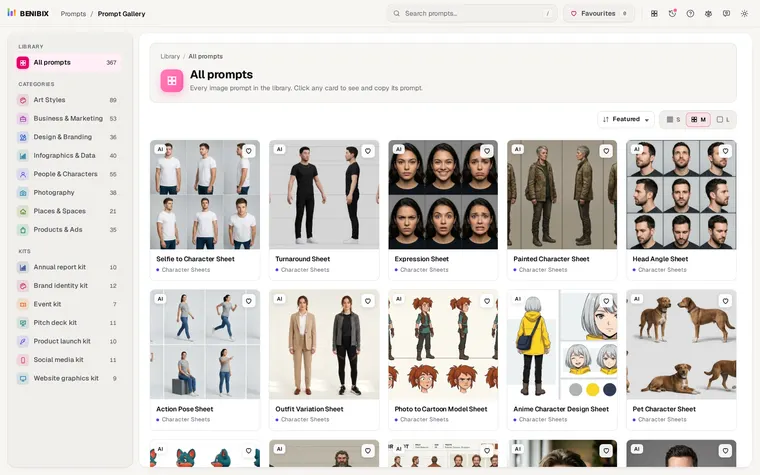
Prompt Gallery has figurine, action figure, sticker and portrait prompts, each next to the picture it made. Copy one, fill in its placeholders with your own details, attach your photo in your image tool, and go.