Short answer: Make a folder with a file called SKILL.md. Its top needs two fields, name and description, then your instructions follow. Put the folder in .agents/skills/ in your repository (or ~/.agents/skills/ for every project). Codex starts with only the name and description of each skill and loads the full file when your task matches the description, so the description is the trigger. Type $skill-creator to have Codex write one with you, and $skill-installer to add ready-made ones.
If you paste the same instructions into Codex every week ("write the release notes like this", "check migrations like that"), that is a skill waiting to be written. You write it once, and Codex follows it whenever the task comes up.
Checked against OpenAI's build skills docs on 23 November 2026.
What does a skill look like?
The smallest skill is one folder with one file:
release-notes/
SKILL.mdAnd the file:
---
name: release-notes
description: Write release notes from the commits since the last tag. Use when the user asks for release notes, a changelog entry or "what changed since". Not for commit messages.
---

1. Run git describe --tags --abbrev=0 to find the last tag.
2. Read git log <tag>..HEAD --oneline.
3. Group the changes under Added, Changed and Fixed.
4. Write one line per change in plain words a user understands. Leave out internal refactors.A skill can grow: scripts/ for code it runs, references/ for documentation it reads, assets/ for templates. Only SKILL.md is required.
How does Codex decide to use a skill?
Two ways. Explicitly, when you name it: type $ and the skill's name, or run /skills. Implicitly, when your task matches the skill's description. For that, Codex keeps a short list of every skill's name and description in context, and reads the whole SKILL.md only when it picks one.
That list has a budget: at most 2% of the model's context window by default. With many skills installed, Codex shortens the descriptions first. The docs' advice follows from that: write concise descriptions, put the key use case and trigger words first, and say when the skill should not be used.
| Weak description | Strong description |
|---|---|
| Helps with releases. | Write release notes from the commits since the last tag. Use when the user asks for release notes or a changelog entry. Not for commit messages. |
How does $skill-creator help?
Type $skill-creator in Codex. It asks what the skill does, when it should trigger, and whether it stays instruction-only (the default) or includes scripts, then writes the folder for you. Codex notices new and changed skills by itself; if one does not show up, restart Codex.
Where do skills go?
| Where | Folder | For |
|---|---|---|
| The repository | .agents/skills/ in the folder you start in, any folder above it, up to the repo root | Workflows for this project, shared with your team through git |
| Your user folder | ~/.agents/skills/ | Your own habits, in every project |
| The machine | /etc/codex/skills/ | Defaults an admin sets for everyone |
| Built in | Comes with Codex | skill-creator and skill-installer |
Two skills with the same name are not merged; both appear in the skill picker. To share a set of skills beyond one repository, OpenAI suggests packaging them as a plugin.
How do you add or turn off skills?
$skill-installer linear installs the curated linear skill; you can also point it at skills in other repositories. To turn a skill off without deleting it, add this to ~/.codex/config.toml:
[[skills.config]]
path = "/path/to/skill/SKILL.md"
enabled = falseRestart Codex after changing the config.
Where can you check this?
- OpenAI docs: Build skills, the SKILL.md format, how skills are picked, the 2% budget,
$skill-creator,$skill-installer, the folders and turning skills off
Can you write the skill and its config without the docs open?
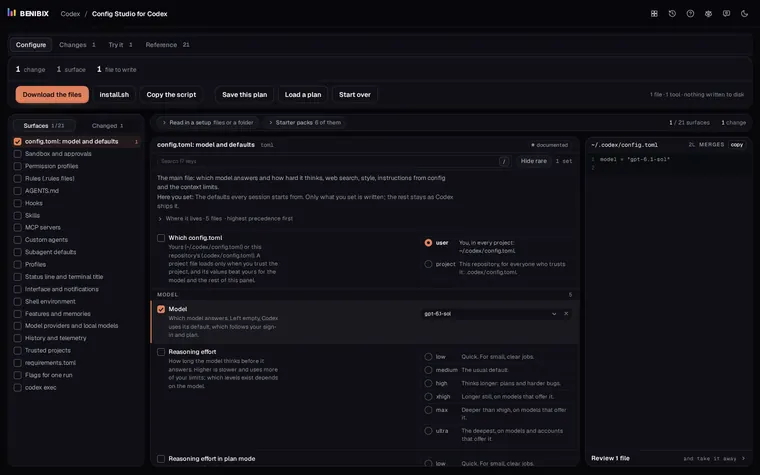
Yes. Config Studio for Codex explains every file Codex reads, skills included, and writes the SKILL.md and the [[skills.config]] lines for you. For which skills and MCP servers are worth installing in the first place, see Which Codex skills and MCP servers do you actually use?.