Short answer: send less with every message and pick a cheaper way to answer it. Start fresh chats with /new, shrink long ones with /compact, point at files with @, use a lighter model and low reasoning effort for small jobs, and turn Fast mode off unless you are in a hurry: on your plan's limits it costs 2.5 times as much.
Codex's limits are counted per 5 hours and per week, and the pricing docs say plainly that a message is not a fixed unit: "Model choice, context, reasoning, tool use, retrieval, and caching all affect usage." So the same question can cost very different amounts. The ten habits below each cut one of those.
Checked against the Codex commands reference and the pricing page (3 November 2026). The time in the last column jumps to the moment the video shows it.
How do you see where your limits went?
| Habit | What it does | Video |
|---|---|---|
/status | Shows the active model, the approval policy and the current token usage. The pricing page names it as the way to see your remaining limits during a CLI session. | 0:22 |
/usage | Opens your account's token activity; /usage daily, /usage weekly or /usage cumulative go straight to one view. | 0:31 |
Check /status before a big task, not after it. If the 5-hour window is nearly used, start the big task when it resets.
How do you send fewer tokens with each message?
The pricing page lists what counts: "Your prompt, files, chat history, tool results, and ChatGPT's response all use tokens." Three habits cut the history and the files:
| Habit | What it does | Video |
|---|---|---|
/compact | Replaces the earlier turns with a short summary, so the key points stay and the rest stops being sent. | 0:40 |
/new | Starts a fresh chat in the same session. Name it as you start it: /new bug bash. | 0:50 |
@ | Searches the workspace for a file and adds its path, so Codex reads the file you mean instead of hunting for it. | 1:01 |
A rule of thumb: when you switch tasks, /new. When the task is the same but the chat is long, /compact.
Which model and settings use the least?
| Habit | What it does | Video |
|---|---|---|
/model | Picks the model for the session. Small jobs rarely need the top model. | 1:09 |
| Reasoning effort | Set model_reasoning_effort = "low" in config.toml for everyday work; raise it for one session with /model --reasoning=high. | 1:21 |
/fast | Turns Fast mode on, and typed again, off. Codex saves your choice. | 1:30 |
How big the model difference is, in the pricing page's estimates of local messages per 5 hours on the Plus plan:
| Model | Messages per 5 hours (Plus) |
|---|---|
| GPT-6 Luna | 350 to 3,000 |
| GPT-6.1 Terra | 35 to 285 |
| GPT-6.1 Sol | 15 to 160 |
| GPT-6 Astra | 5 to 45 |
These are estimates, not fixed limits, and weekly limits may apply on top. Fast mode multiplies the cost relative to Standard speed: 2.5x of your included subscription usage, 2x of purchased credits.
Which files cost tokens in every session?
| Habit | What it does | Video |
|---|---|---|
A short AGENTS.md | Codex reads it before doing any work, so every line is sent every session. Keep the main file short and put folder rules in an AGENTS.md inside that folder. | 1:42 |
| Fewer MCP servers | Tool use counts toward usage. Set enabled = false on a server you do not need right now; its settings stay in config.toml for later. | 1:53 |
Why folder files help: Codex joins the AGENTS.md files from the project root down to the folder you are working in, and stops at 32 KiB (project_doc_max_bytes) by default. Rules in services/payments/AGENTS.md are only read when you work inside services/payments.
[mcp_servers.figma]
url = "https://mcp.figma.com/mcp"
enabled = falseWhere can you check this?
- Codex docs: Pricing and usage limits
- Codex docs: Commands and slash commands
- Codex docs: Configuration reference
- Codex docs: Custom instructions with AGENTS.md
- Codex docs: Model Context Protocol
Which habit saves you the most?
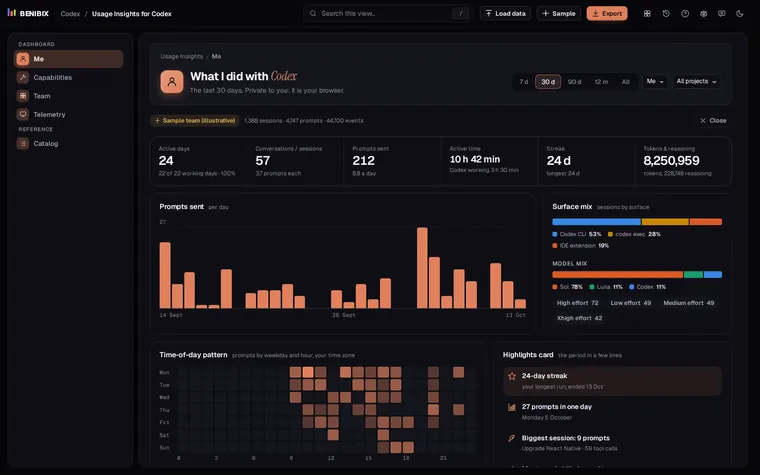
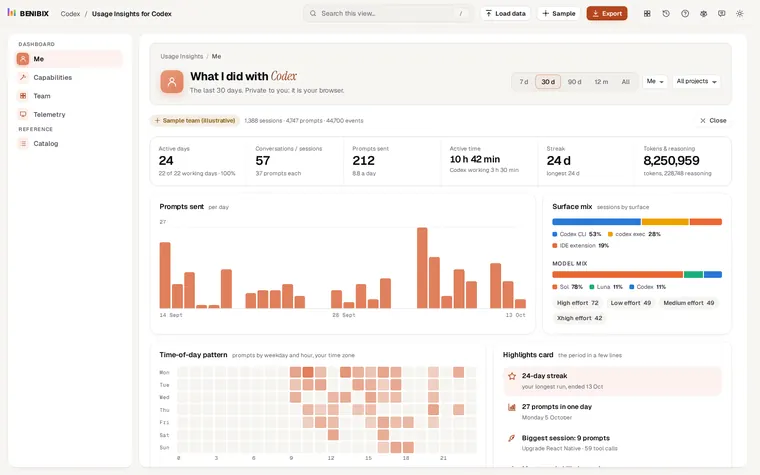
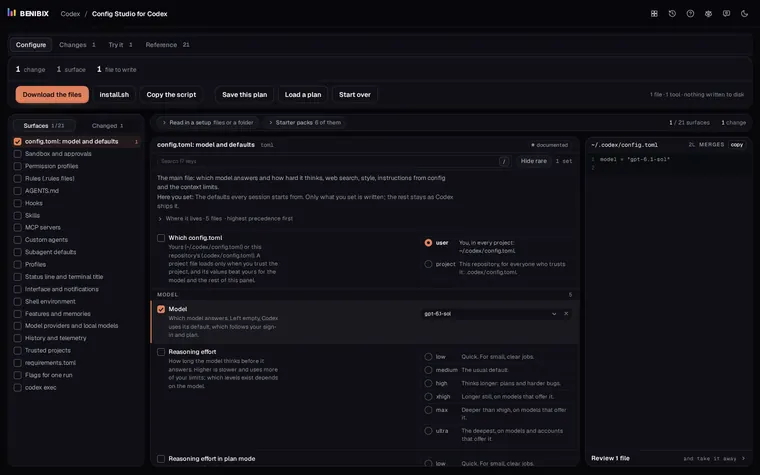
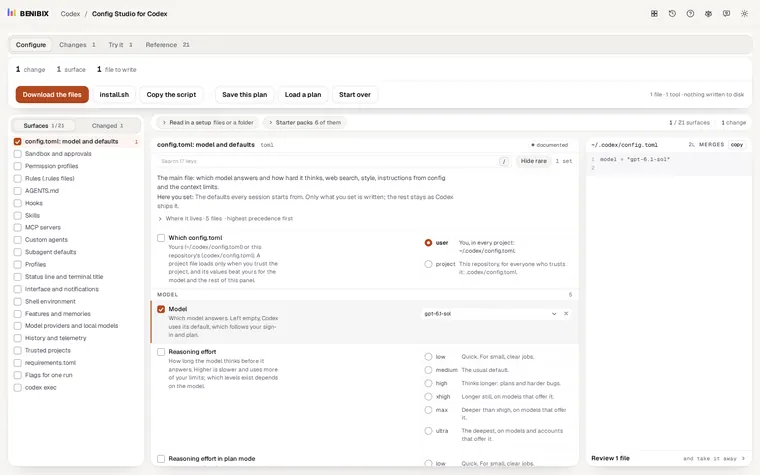
That depends on how you work, and your own history can tell you. Usage Insights for Codex reads your ~/.codex/sessions folder in the browser and shows your tokens by model and effort, how close you came to the 5-hour and weekly limits each day, and which MCP servers and tools Codex used. To set the lower effort, the MCP switches and the rest of config.toml without breaking it, use Config Studio for Codex. Where the session files are and what is in them: see your Codex usage and limits.