Short answer: make a folder .claude/skills/<name>/ in your project and put one file in it, SKILL.md: a name and a description between --- markers at the top, the steps below. Run it with /<name>, or just ask for the job and Claude loads it when your request matches the description.
You know you need a skill when you paste the same instructions into the chat for the third time, or when a section of your CLAUDE.md has turned into a procedure. A skill moves that procedure into a file that costs nothing until it is used.
Checked against the Claude Code skills docs (4 November 2026).
Where does the skill live?
| Folder | Who gets it |
|---|---|
.claude/skills/<name>/SKILL.md in the project | Everyone who works in the repository, once you commit it |
~/.claude/skills/<name>/SKILL.md | You, in every project on this machine |
<subfolder>/.claude/skills/<name>/SKILL.md | Sessions working in that subfolder, for monorepos |
The folder name becomes the command. A folder called pr-description gives you /pr-description.
What goes in SKILL.md?
Front matter, then plain Markdown. A first skill that writes a pull request description from the branch:
---
name: pr-description
description: Writes a pull request description from the branch's changes. Use when the user asks for a PR description, a PR summary or "what should I write in the PR".
---

1. Run `git diff main...HEAD --stat` and then the full diff.
2. Group the changes by area: what the user sees, what changed underneath, tests.
3. Write a title under 70 characters and three short paragraphs: why, what, how to test.
4. End with a checklist of what the reviewer should look at first.Two fields do the work:
nameis optional and defaults to the folder name. Keep it lowercase with hyphens.descriptiondecides whether Claude loads the skill on its own. At the start of a session Claude sees only the names and descriptions, not the bodies, so it has to say what the skill does and when to use it, in the words you would type. The listing cuts the description at 1,536 characters, so put the main use first.
How do you run it?
Three ways, all from the Claude Code prompt:
- Type
/pr-description. It appears in the/menu with your other commands. - Ask for the job: "write the PR description for this branch". When the request matches the description, Claude loads the skill itself.
- Type
/skillsto see every skill Claude found and where it came from.
Edits to SKILL.md are picked up within the session; you do not restart. The one exception is a .claude/skills/ folder that did not exist when the session started: run /reload-skills once after you create it.
How do you keep it short?
A skill's body loads only when the skill runs, so a long one does not cost you until then. Even so, keep SKILL.md to the steps and move anything long, a template, a checklist, a style guide, into separate files in the same folder that the steps point to. For a job you want to start only by hand, such as a deploy, add disable-model-invocation: true to the front matter, so Claude never runs it on its own.
What goes wrong?
- Claude never uses it. The description is too vague. "PR helper" does not match anything anyone types; "writes a pull request description from the branch's changes. Use when..." does.
- It is not in the
/menu. The folder was created after the session started, so run/reload-skills, or the name holds a character Claude Code refuses, such as a space. - The wrong one runs. A skill with the same name in
~/.claude/skills/wins over the project's. Rename one of them.
Where can you check this?
What do you set up around it?
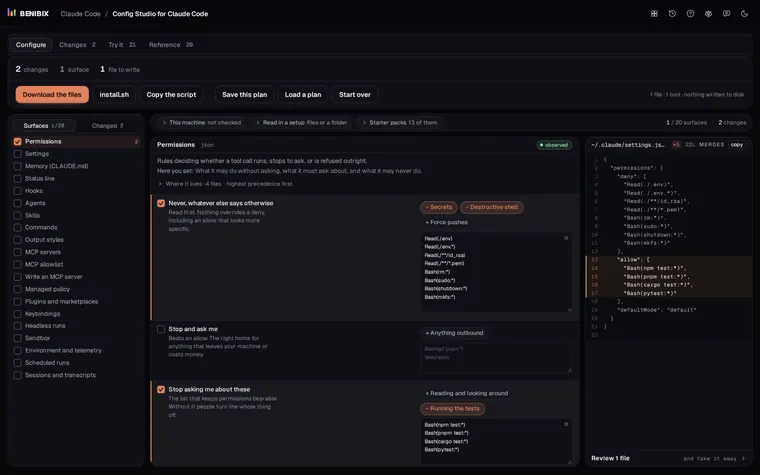
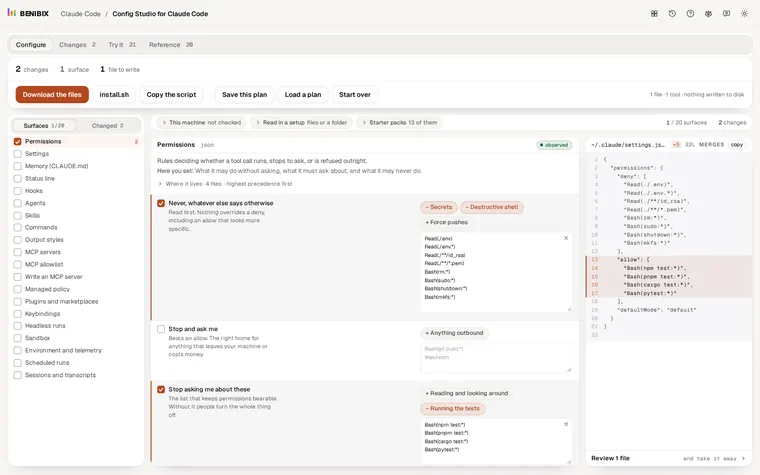
Skills sit next to CLAUDE.md, settings, permissions, hooks and agents, each in its own file. Config Studio for Claude Code explains all 20 surfaces Claude Code reads, shows which file wins when two disagree, and writes the files for you, with 13 starter packs to begin from. Claude Code skills explained goes deeper on when a skill beats CLAUDE.md.