Short answer: do not ask a video model for an anime scene from text alone. Make one strong anime still image first, then animate that image with one action and one camera move, for example: "She turns to the camera, hair moving in the wind. Slow push in." For the next clip, reuse the exact same character description, and keep every clip short.
AI anime video tends to come out stiff or melted: faces that change halfway, hair that turns into something else, a style that drifts from anime to 3D. Most of that comes from asking the video model to invent the look and the motion at the same time.
Why start from a still image?
Because a still is cheap to get right. You can make ten versions of a picture in the time one video takes, pick the best face, the best outfit and the best framing, and only then spend a video generation on it. When the video model starts from that image, the look is settled; its only job is the motion.
Most video tools take a start image. Kling's own image-to-video guide makes the same point: the picture already holds the scene, so the prompt only needs the subjects and how they move, and a description that strays far from the image can cause a cut or a transition.
What should the video prompt say?
One action and one camera move, in plain words:
| Part | Good | Too much |
|---|---|---|
| Action | Turns to the camera | Runs, jumps over the wall and starts talking |
| Camera | Slow push in | Orbits around her while zooming out and tilting up |
| Style | Anime style, as in the still | A new style the image does not have |
Running, jumping and talking in one clip usually falls apart. Cut it into short clips, one action each, and put them together in an editor.
How do you keep the same character in every clip?
Write the character down once and paste the same words into every prompt: hair colour and length, eye colour, the outfit, one detail that is always there. Changing "short blue hair" to "blue bob" between clips is enough to get a different person. Starting each clip from a still of the same character helps even more; keeping an AI character consistent shows the reference-image side of it.
How long should each clip be?
As short as the action. A turn of the head takes a few seconds; a ten-second clip of it gives the model time to drift. Short clips also cost less when one fails, and they cut together into a longer scene better than one long generation.
Where can you check this?
- Kling AI: image to video guide, prompting only the subjects and their movement when you start from an image
Can you build the character and both prompts in one place?
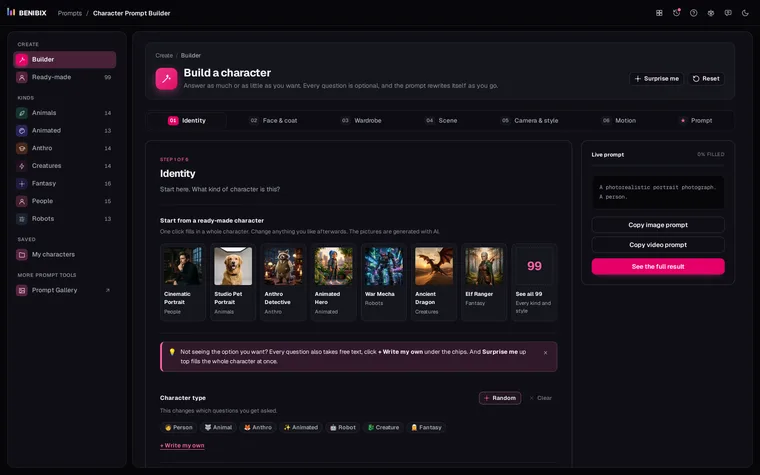
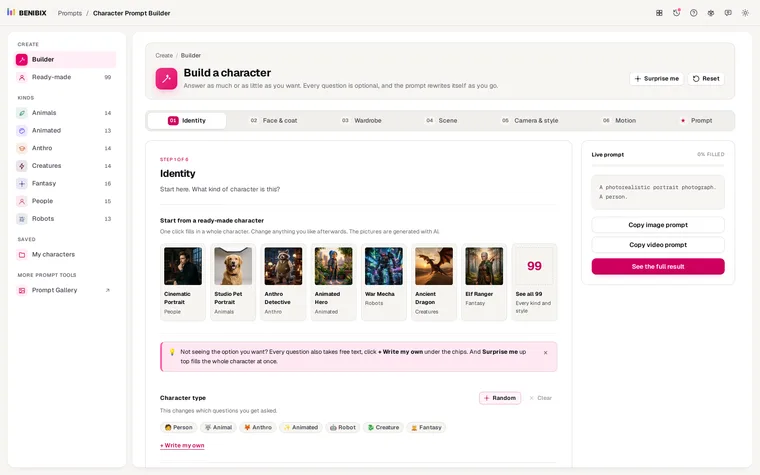
Character Prompt Builder asks a few questions about your character and writes ready-to-paste image and video prompts, plus an identity block that keeps the same character across shots. It has 99 ready-made characters across 19 art styles, anime among them, and writes plain sentences for Flux, Nano Banana, Midjourney v7, Veo and Sora. For the four parts every video prompt needs, see the AI video prompt formula, and for turning a photo of yourself into anime first, photo to anime prompts.