Short answer: turn the prompts you type every day into skills. The ten worth building first: /commit, /pr-summary, /fix-issue, /test, /explain, /changelog, /standup, /deploy, a house style skill and /research. Each is a folder with one SKILL.md file, and three frontmatter lines do most of the work: disable-model-invocation: true for the ones only you may start, user-invocable: false for background knowledge, and context: fork for the ones that should run in a subagent.
If you type the same prompt more than twice a week, it is a skill waiting to be written. A skill lives in .claude/skills/<name>/SKILL.md in your project (commit it, and your team gets it) or in ~/.claude/skills/<name>/SKILL.md for you in every project. Make your first Claude Code skill walks through the file itself.
Checked against the Claude Code skills docs (10 November 2026).
Which skills save the most typing?
| Skill | What it does | The line that makes it work |
|---|---|---|
/commit | Writes the commit message from your actual changes | A ! line runs git diff --staged before Claude sees the skill, so the diff is already in it |
/pr-summary | Says what a pull request changes and what looks risky, before you review | A ! line with gh pr diff |
/fix-issue | Reads a GitHub issue, fixes it and adds a test | $ARGUMENTS: /fix-issue 482 puts 482 in the prompt |
/test | Writes tests the way your project already does | An example test file next to SKILL.md |
/explain | Explains a file in plain words | $ARGUMENTS for the file name |
/changelog | Turns the commits since the last release into notes people can read | A ! line with git log since the last tag |
/standup | Writes your standup from what you committed yesterday | A ! line with git log --since=yesterday |
The ! lines are the trick behind the first ones: in SKILL.md, an exclamation mark followed by a command in backticks tells Claude Code to run that command first and put its output into the skill, so Claude starts with real data instead of being asked to go and find it. A whole /commit skill:
---
name: commit
description: Write a commit message for the staged changes and commit
disable-model-invocation: true
---
The staged changes:
!`git diff --staged`

Write a commit message: one short summary line, then what changed and why.
Then commit.Which skills need a special setting?
/deploy: only you may start it.
---
name: deploy
description: Deploy the site to production
disable-model-invocation: true
---With disable-model-invocation: true, Claude cannot load the skill on its own; it runs only when you type /deploy. Use it for anything with side effects you want to trigger by hand.
A house style: Claude loads it, you never type it.
---
name: house-style
description: How we write user-facing text and docs
user-invocable: false
---user-invocable: false hides it from the / menu. It is background knowledge: Claude loads it whenever its description matches what it is doing, such as writing docs or UI text.
/research: runs in a subagent.
---
name: research
description: Research a question across the codebase and the docs
context: fork
---With context: fork, the skill runs in a forked subagent. You get the answer back without all the searching in your main conversation. The subagent does not see your conversation history, so the skill's instructions have to stand on their own.
How long should a skill be?
Short. Keep SKILL.md under 500 lines and move long reference material into separate files next to it, which Claude reads only when needed.
Where can you check this?
- Claude Code docs: skills: where skills live, running a command with
!before the skill loads,$ARGUMENTS,disable-model-invocation,user-invocable,context: forkand the 500-line advice
Can you see all your skills next to everything else Claude Code reads?
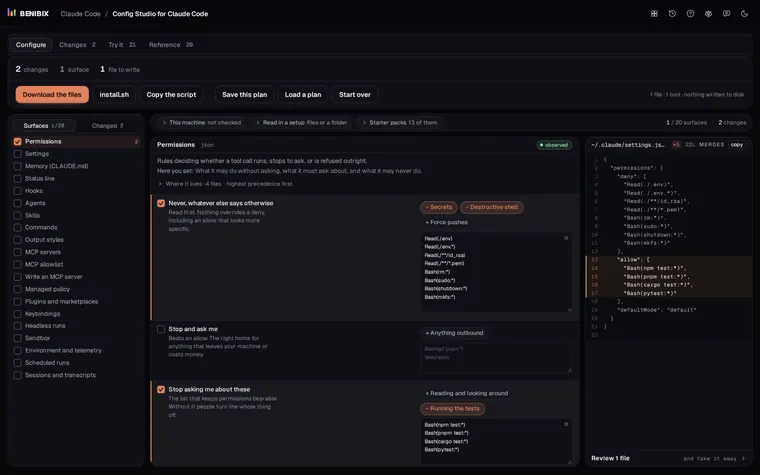
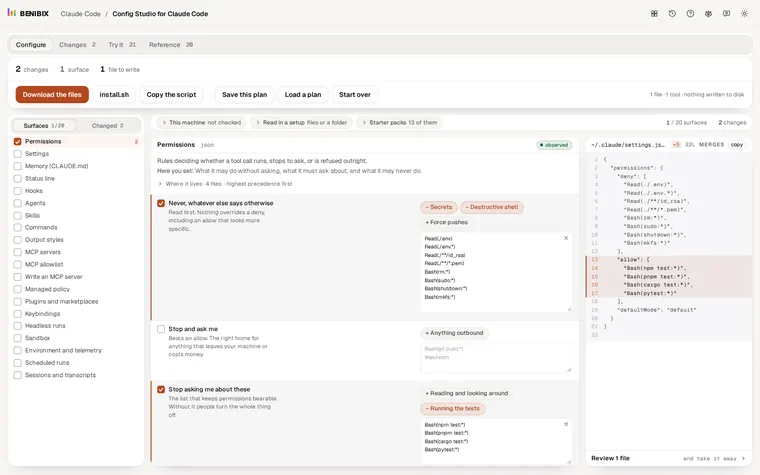
Config Studio for Claude Code has skills among the 20 surfaces Claude Code reads, next to CLAUDE.md, permissions, hooks and commands: it shows every place a skill can live, in order of precedence, and writes the file for you. For when a skill and a custom slash command overlap, see commands or skills?, and for how Claude decides to load one, Claude Code skills explained.