Short answer: Same idea, different files and defaults. Claude Code (Anthropic) reads CLAUDE.md and asks your permission before it edits files or runs commands. Codex (OpenAI) reads AGENTS.md and works inside a sandbox that lets it edit your project folder and run routine commands there. Most of the rest is shared: both run in the terminal, your editor and the cloud, and both have skills, hooks and MCP servers. To choose, give both the same task and compare the result and the cost.
Comparison posts usually pick a winner from benchmarks. Your code is not a benchmark. Knowing where the two really differ tells you what to set up, and a small test on your own project tells you the rest.
Checked against the Claude Code and Codex docs on 14 November 2026.
How do Claude Code and Codex compare side by side?
| Claude Code | Codex | |
|---|---|---|
| Made by | Anthropic | OpenAI |
| Project instructions | CLAUDE.md (reads AGENTS.md when there is no CLAUDE.md) | AGENTS.md |
| Settings file | settings.json | config.toml in ~/.codex/ |
| Before it acts | Asks permission for edits and commands, by default | Works in a sandbox: edits and routine commands inside the project, asks to go further |
| Where it runs | Terminal, VS Code and JetBrains, desktop app, web | Terminal (Codex CLI), IDE extension, ChatGPT desktop app, Codex Cloud |
| Skills, hooks, MCP | Yes | Yes |
| Starter file | /init writes CLAUDE.md | /init writes AGENTS.md |
| Needs | A paid Claude plan or a Console account | A ChatGPT sign-in or another sign-in method |
What is actually different?
The instruction file. Claude Code's standing instructions live in CLAUDE.md, Codex's in AGENTS.md. You do not need two copies: since version 2.1.277, Claude Code reads AGENTS.md by itself when a project has no CLAUDE.md, or a CLAUDE.md can import it with @AGENTS.md.
How they hold back. Claude Code's default is to ask: each new edit or command waits for your yes, and you allow trusted commands with /permissions. Codex's default is a fence: inside the workspace it may edit and run routine commands without asking, and it asks before stepping outside. Both can be changed, and Claude Code has an optional sandbox too (Claude Code sandbox settings, Codex sandbox and approval modes).
What is the same?
More than the debates suggest. Both read your project, edit files, run commands and show you the diff. Both have slash commands, custom agents, skills, hooks that run your scripts at set moments, and MCP servers for outside tools. Both have a review command, and both work from the terminal, an editor or the cloud.
How do you test them fairly?
- Make a Git commit, so each run starts from the same place.
- Write one task with a finish line: "Add input validation to the signup form. Done when the new tests pass."
- Run it in Claude Code, note the result, then
git stashor reset and run the same prompt in Codex. - Compare three things: did the tests pass, how much did you have to fix, and what did it cost (
/usagein both).
Do it on two or three real tasks from your week. That answer beats any chart.
Where can you check this?
- Claude Code docs: Overview, where it runs
- Claude Code docs: Memory, CLAUDE.md and AGENTS.md
- Codex docs: Codex CLI
- Codex docs: Sandbox, the default permissions
Can you set up both in one place?
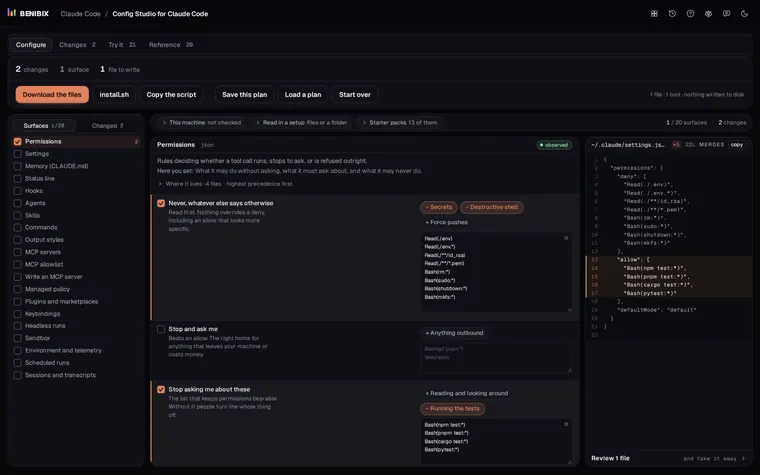
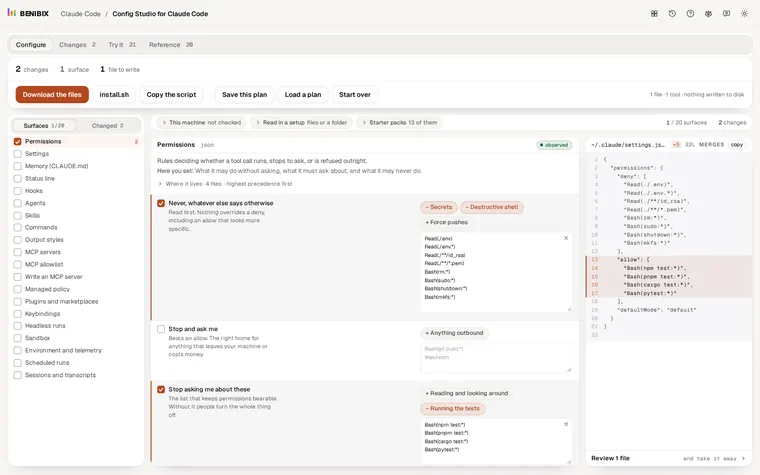
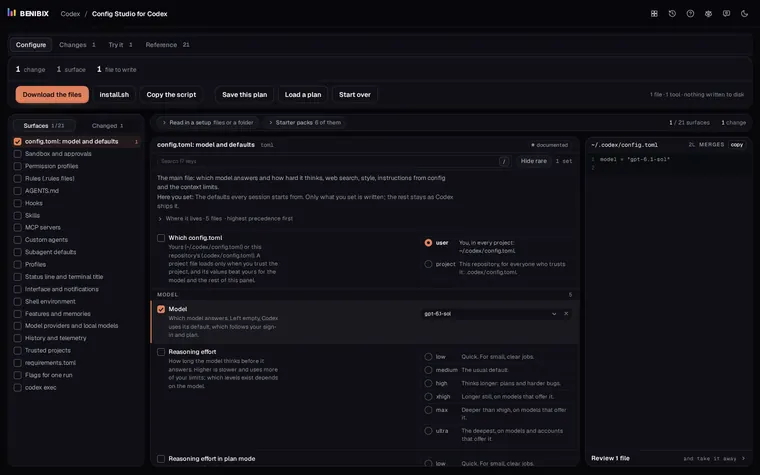
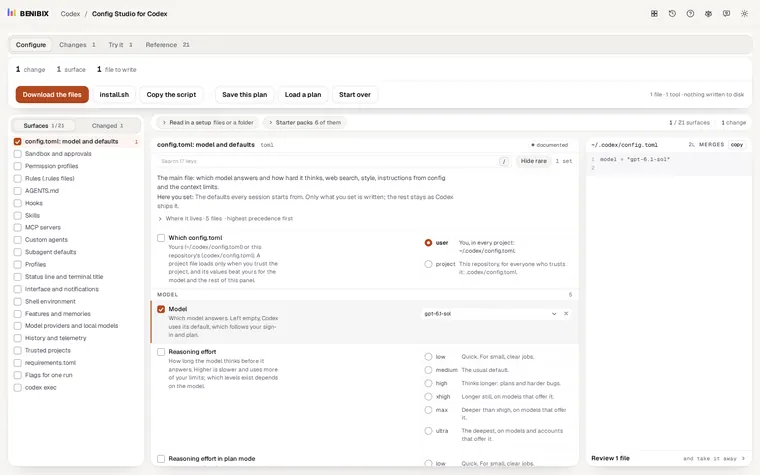
Yes, one tool for each. Config Studio for Claude Code covers the 20 surfaces Claude Code reads and Config Studio for Codex the 21 Codex reads. Each explains every option, shows which file wins and writes the file for you to copy, so both agents can start your test with the same rules.