Short answer: Save a Git checkpoint before Codex starts, so you can undo. Say in the prompt what done looks like, for example "done when all tests pass", so Codex can check its own work. Then type /review and read the changes before you keep them. Those three habits come straight from OpenAI's Codex docs.
Typing "fix the login bug" and hoping is how most people start. Codex will try, but it cannot know when it is finished, and you cannot easily take the change back if it goes wrong. Three small habits fix both.
Checked against the Codex docs on 14 November 2026.
Why save a Git checkpoint first?
Codex edits real files. A commit before the task gives you a clean point to return to:
git add -A
git commit -m "checkpoint before codex"The Codex CLI docs say it plainly: create Git checkpoints before and after a task so you can revert changes. If the result is wrong, git restore . takes the changed files back to that commit (the other ways back are in the 20 Git commands you actually need).
What does "say what done looks like" mean?
OpenAI's best practices guide suggests four things in a prompt: the goal, the context (files, errors, examples), the constraints, and done when. The last one is the habit most people skip.
| Weak prompt | Better prompt |
|---|---|
| Fix the login bug | Fix the login bug in src/auth/login.ts. Done when all tests pass and a wrong password shows the error message again. |
With a finish line, Codex can run the tests itself, see them fail, and keep going until they pass. Without one, it stops when the code looks right to it.
How do you review the change before keeping it?
Type /review. Codex starts a separate reviewer that reports findings by priority without changing your files. You can review:
- your uncommitted changes (the usual case after a task),
- a single commit,
- your branch against a base branch, like a pull request.
/review only appears when the project is inside a Git repository, which is one more reason for the checkpoint. Read the findings, ask Codex to fix what matters, then commit.
What controls when Codex asks before acting?
/permissions. By default Codex works in a sandbox: it can read files, edit inside your project folder and run routine commands there, and asks before it goes further. Pick a tighter or looser setting for the session with /permissions, or set a default in config.toml. Codex sandbox and approval modes explains every value.
Where can you check this?
- Codex docs: Best practices, the four parts of a prompt and reviewing work before you accept it
- Codex docs: Codex CLI, Git checkpoints and
/review - Codex docs: Sandbox, what the default allows
Can you write the rules once instead of in every prompt?
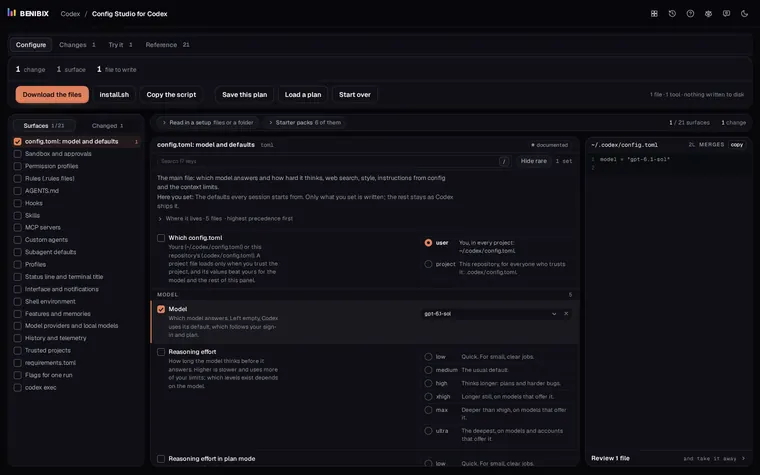
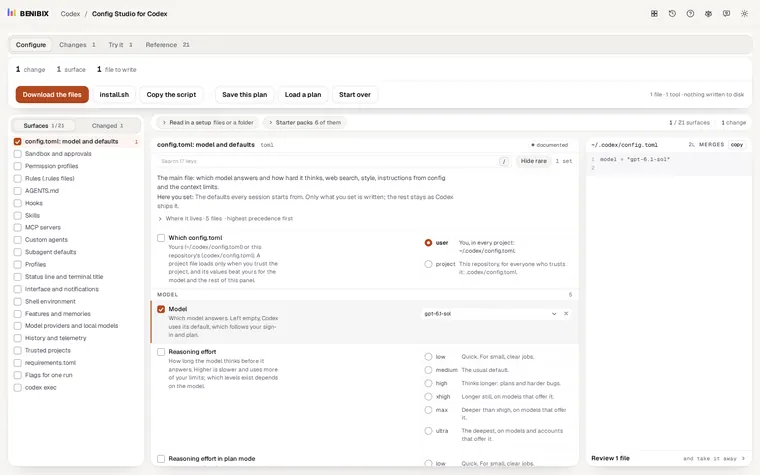
Put the finish line and your test command in AGENTS.md, and Codex reads them every time. Config Studio for Codex writes your AGENTS.md, rules and config.toml with every option explained, and shows which layer wins. Nothing touches your disk until you copy what it writes.