Short answer: write a photo edit prompt in three parts. Start with the action: add, remove, replace or restyle. Then name the target, as precisely as you can. Then say what stays: "keep everything else unchanged". For example: "Replace the grey sky with a warm sunset. Keep everything else unchanged." That last sentence is what stops the AI from redrawing your whole photo.
You asked for one small change and got a new picture back: different face, different room, slightly different everything. That happens when the prompt reads like a description of a picture instead of an instruction for a change, so the model makes a new picture that matches the description.
What are the three parts of an edit prompt?
| Part | What it does | Example |
|---|---|---|
| The action | Tells the model this is an edit, and what kind | Replace |
| The target | Points at one thing in the photo | the grey sky behind the building |
| What stays | Draws the line around the edit | Keep everything else unchanged |
Put together: "Replace the grey sky behind the building with a warm sunset. Keep everything else unchanged." Each part is short, and each one removes a guess.
Which verbs do most edits?
- Remove: "Remove the man in the red jacket on the left. Fill the space with the street behind him."
- Replace: "Replace the plastic chair with a wooden one in the same position."
- Add: "Add a steaming cup of coffee on the table, in front of the laptop."
- Restyle: "Restyle the whole photo as a watercolour painting. Keep the composition and the people recognisable."
Restyle is the one exception to "keep everything else unchanged", because the style of everything is the change. Say what must survive instead: the composition, the faces, the text on a sign.
How do you name the target so the AI finds it?
By what makes it unique in that photo: its colour, its position, what is next to it. "The car" in a street full of cars is a guess; "the white car parked on the right" is not. If the model still changes the wrong thing, add where it is ("in the bottom left corner") or what it is not ("not the one in the window").
Why does "keep everything else unchanged" work?
Because without it, the model is free to improve everything it sees, and it will. With it, the edit has a border. Google's own editing example ends the same way, with "Do not change any other elements of the image". For faces, be explicit: "keep my face, expression and pose exactly the same".
What if you need several edits?
Do them one per message, in the same chat. Each round is small, and if one goes wrong you know which request caused it. Gemini photo editing in rounds walks through it, and AI photo editing prompts has more finished examples to copy.
Where can you check this?
- Google AI Studio docs: image generation: editing with a text prompt and an uploaded image to add, remove or modify elements, and the "do not change any other elements" wording
Where can you find edit prompts with their results?
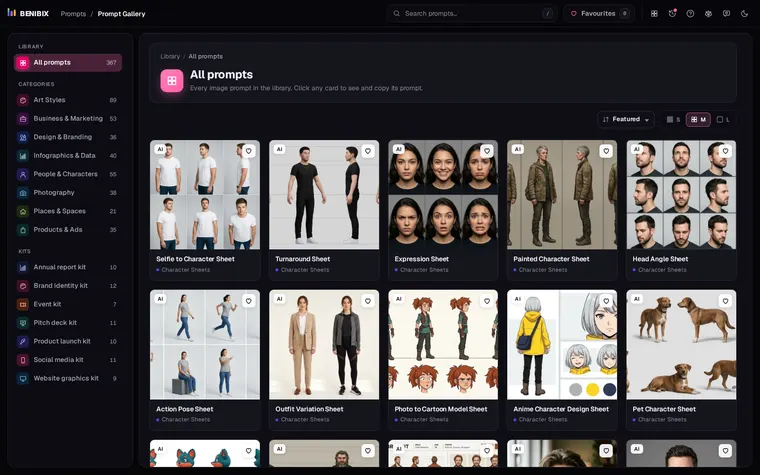
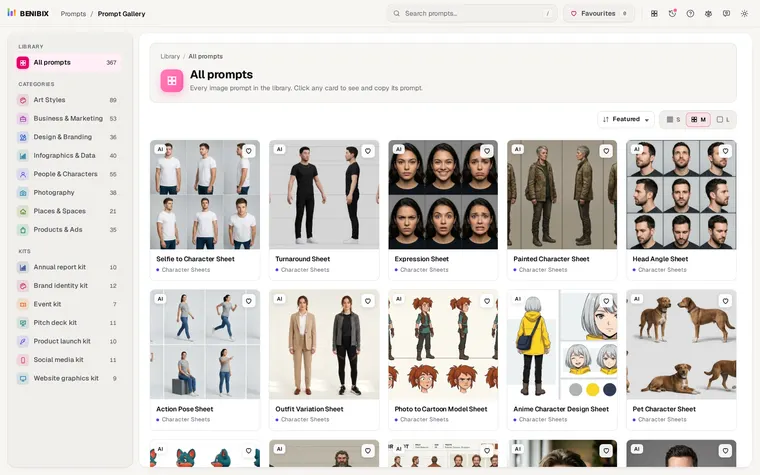
Prompt Gallery has 558 prompts, each next to the picture it made. Its Photo Editing tab holds edit prompts built the same way, verb first, target, and what stays: Remove Object, Background Swap, Translate Image and Anonymise a Subject among them, with the models each one was written for. Copy one, change the target, and paste it next to your photo.