Short answer: work in four steps. Explore: ask Claude to read the relevant code and explain it, with no edits yet. Plan: switch to plan mode with Shift+Tab, ask for a plan, read it and approve it. Code: let Claude make the change and run the tests. Commit: when the tests pass, ask Claude to commit with a clear message. A one-line fix can skip the plan; a change across several files never should.
When Claude Code jumps straight into editing, it fixes the problem it assumed you had. The edits look confident, the diff is large, and half of it solves something else. Most of that is avoided by making it read and plan before it writes.
Checked against the Claude Code docs (10 November 2026).
Why explore first?
Because the first idea is usually based on the first file Claude opened. Ask it to read before it acts:
Two or three questions after that, "where is the token refreshed?", "what calls this?", give you and Claude the same picture. The docs' own recipe for a new codebase starts the same way: a broad overview, then narrower questions.
How does plan mode work?
Press Shift+Tab until the status bar shows ⏸ plan mode on, or start a single prompt with /plan. In plan mode Claude reads files and runs commands to explore, then writes a plan, but it does not edit your source. When the plan is ready it asks how to go on:
| Option | What happens |
|---|---|
| Yes, and use auto mode | Approve, and Claude starts editing |
| Yes, manually approve edits | Approve, and you confirm each edit |
| No, keep planning | Stay in plan mode and say what to change |
Read the plan the way you would read a colleague's: are these the right files, is anything missing, is it bigger than the problem? Ctrl+G opens it in your editor if you would rather change it yourself. Correcting a plan costs a sentence; correcting finished code costs a review.
How do you make the coding step safe?
Give Claude a way to check its own work: "make the change, then run pnpm test and fix any failures." With a check to pass, it does not stop at code that only looks right. If your project has no tests for this area, ask for one first that fails today and passes after the fix.
Should Claude write the commit?
Yes, once the tests pass:
Claude reads the diff, so the message matches what actually changed, which is more than most hand-written "fix stuff" commits do. Review the diff before you push, or run /code-review to have a fresh subagent read it.
When can you skip the plan?
| The change | Plan first? |
|---|---|
| A typo, a renamed variable, a one-line fix you can describe exactly | No |
| A bug whose cause you do not know yet | Yes, explore first too |
| A change across several files | Yes |
| Anything touching data, auth or money | Yes |
Where can you check this?
- Claude Code docs: permission modes, plan mode, its approval options and
Ctrl+G - Claude Code docs: common workflows, exploring a codebase and planning before editing
- Claude Code docs: best practices, giving Claude a check to run
Can you make plan mode your default?
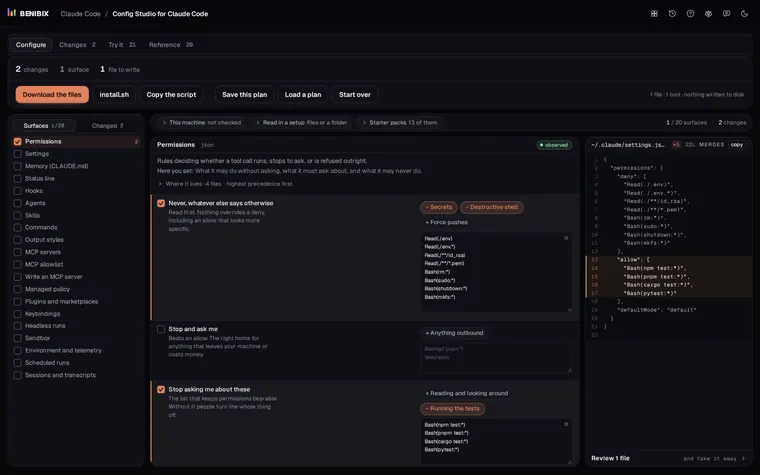
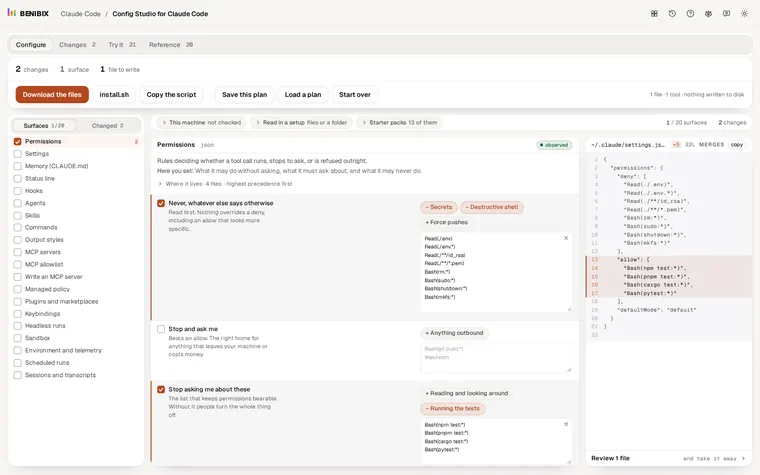
Config Studio for Claude Code sets the mode new sessions start in, along with the permission rules, the hooks and the CLAUDE.md lines like "run the tests after every change", each explained and shown in the exact file it would write. For every mode and what it allows, see Claude Code permission modes.