Short answer: upload your photo in the Gemini app and ask for one change per message: first the background, then the light, then the colours, all in the same chat. In every message, say what must stay the same, such as "keep my face and pose exactly the same". One change at a time keeps you in control; four changes in one prompt is where things go wrong.
The usual first attempt is one long prompt: new background, warmer light, different jacket, remove the person behind me. Gemini tries all four, gets three right, and the fourth one, often your face, comes back slightly different. Then you start again from scratch.
Why does one big edit prompt fail?
Every change you ask for is a decision the model has to get right, and they affect each other. A new background changes how the light should fall; warmer light changes the skin tone; a new jacket changes the edges around your arms. Asked all at once, the model redraws more of the picture to make it all fit, and the more it redraws, the more it drifts from your original.
One change per message keeps each redraw small, and when something goes wrong you know exactly which request caused it.
How do you edit in rounds?
- Upload the photo in the Gemini app and start with the biggest change: "Replace the background with a quiet beach at sunset."
- Look, then ask for the next change in the same chat: "Now make the light warmer, like late afternoon sun."
- Keep going with one change per message: "Remove the person in the background on the left."
- Fix, do not restart. If a round goes wrong, say what is wrong: "The hair changed; keep the hair from the previous version."
Staying in the same chat matters: each round builds on the last picture instead of starting from your upload again. Google's image docs describe exactly this, generating and editing conversationally, as the way to refine an image.
What should you say every round?
What stays. The model does not know which parts you care about, so tell it every time:
| You change | Add this |
|---|---|
| The background | Keep my face, pose and clothes exactly the same |
| The light | Keep the composition and everything in it unchanged |
| An object | Do not change any other part of the image |
| The style | Keep the same person, recognisable, and the same pose |
"Do not change any other part of the image" is close to the wording Google uses in its own editing example. It costs a few words and saves most of the redraws.
What if the face starts to drift?
After several rounds small changes add up. When the face no longer looks right, go back to the round where it still did, or start a new chat with that version as the upload and continue from there. For a series of pictures of the same person, upload a clear reference photo with each request.
Where can you check this?
- Google AI Studio docs: image generation: conversational editing, editing with a text prompt and an uploaded image, and reference images for consistent characters
Where can you find edit prompts that already work?
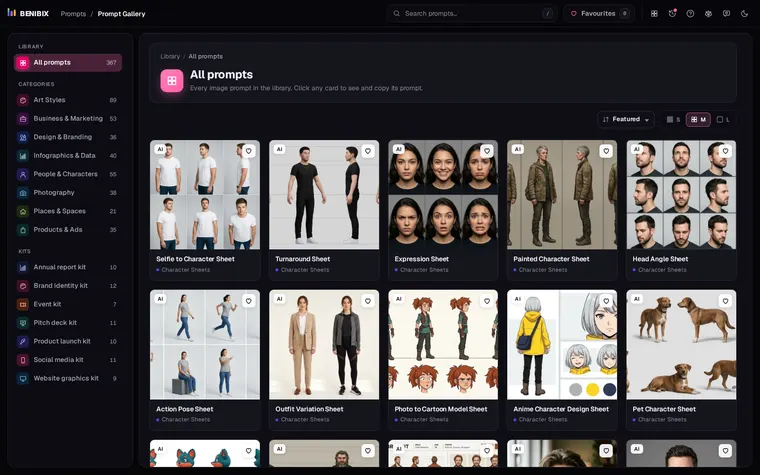
Prompt Gallery has 558 prompts, each next to the picture it made, and 449 of them name Nano Banana, the model behind Gemini's image editing. Its Photo Editing tab holds ready edit prompts such as Background Swap, Remove Object and Translate Image, written in the same one-change style. For how to write an edit prompt of your own, see AI photo editing: start with a verb, and for more Gemini picture tips, Gemini image prompts.