Short answer: install Codex with one line, open a terminal in your project, type codex and sign in with your ChatGPT account, then ask for what you want in plain English. Run /init first so Codex writes an AGENTS.md with notes about your project, and learn three more commands after that: /model, /review and codex exec.
Most first sessions with a coding agent go wrong in the same way: you open it in the wrong folder, ask for something vague and it guesses. Four steps in the right order avoid that.
Checked against the Codex CLI docs (10 November 2026).
How do you install Codex?
On macOS or Linux, one line:
curl -fsSL https://chatgpt.com/codex/install.sh | shThe same command updates it later. On Windows there is a PowerShell line on the same page, and npm install -g @openai/codex or brew install --cask codex work too.
How do you start your first session?
- Open your project folder in a terminal. Codex works on the folder you start it in, so start it at the root of the repository.
- Type
codex. The first time, pick Sign in with ChatGPT. - Type
/init. Codex reads the project and writes anAGENTS.md: how to run the tests, where things live, the conventions it found. It reads that file at the start of every session, so it stops guessing. - Give it a real task. "The signup form accepts an empty email; add validation and a test" works better than "improve the form", because it names the place, the problem and how to check it.
What can Codex do without asking?
By default Codex runs inside a sandbox: it can read and edit the files in your workspace, network access is off, and it asks before it steps outside, for example to reach the network or write outside the project. That default is workspace-write with the approval policy on-request, and for everyday work in a git repository it is the right one. /permissions shows what the current session may do. Every setting is explained in Codex sandbox and approval modes.
Which commands should you learn next?
| Command | What it does |
|---|---|
/model | Switch the model and the reasoning effort |
/review | Review your uncommitted changes, a commit or a branch, and report findings without changing your files |
codex exec "..." | Run Codex without the chat, from a script or CI |
/status | See the model, the sandbox and how much of your limit is left |
/review before every commit is the habit worth building first: a second read of the diff costs one command. codex exec is for later, when the same task runs again and again; codex exec in scripts and CI shows how.
What should go in AGENTS.md after /init?
/init writes what it can see in the code. Add what it cannot see: "use pnpm, not npm", "never edit the generated folder", "run pnpm test after every change". Keep it short; every line is read in every session. Codex AGENTS.md has a worked example.
Where can you check this?
- Codex CLI docs: install, sign in,
/init,/model,/reviewandcodex exec - Codex sandboxing: what the sandbox allows by default
Can you set Codex up in one place?
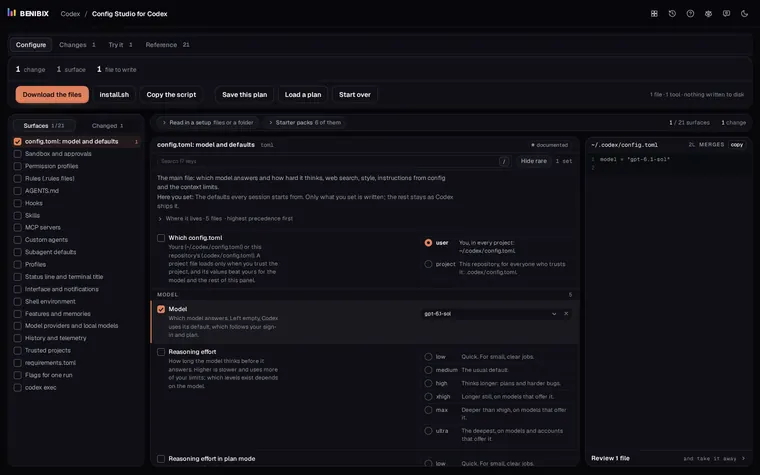
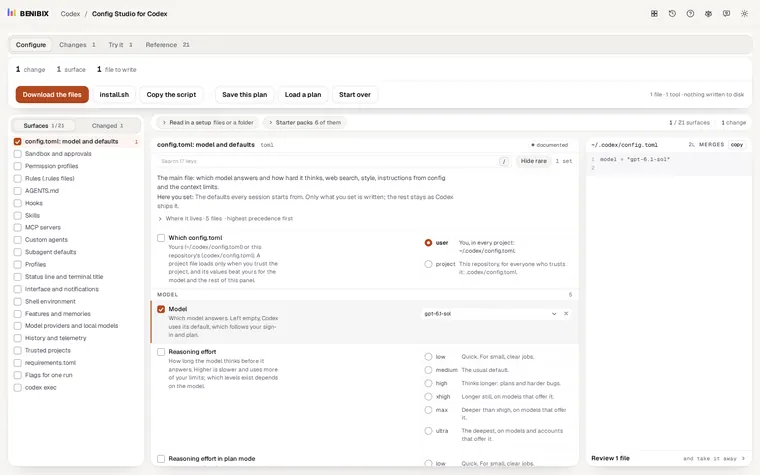
Config Studio for Codex explains every file Codex reads, with the sandbox and approvals, the model, AGENTS.md and profiles side by side. Pick what you want to change, see the exact config.toml it would write, and copy it; nothing changes on your computer until you run it yourself. What is OpenAI Codex? is the step before this one.