Short answer: Nano Banana Pro is Google's Gemini 3 Pro Image model, built for precise image work. Pick it when text in the picture must be readable, when you blend many images (up to 14 references: 6 objects, 5 characters and 3 styles), when up to 5 people must keep their faces, or when you need 2K or 4K. For quick edits, Google's everyday model, Nano Banana 2.1, is usually enough, and it is faster and cheaper.
"Nano Banana" is now a family of models, and the names do not say which one to use. The difference that matters: Pro thinks before it draws, which makes it better at following long instructions and spelling words right.
Checked against Google's image generation docs and model list on 14 November 2026.
Which Nano Banana models are there?
| Name | Model id | Google calls it |
|---|---|---|
| Nano Banana Pro | gemini-3-pro-image | The premium choice for complex visual tasks |
| Nano Banana 2.1 | gemini-nano-banana-2.1 | The main high-efficiency workhorse |
| Nano Banana 2 Lite | gemini-3.1-flash-lite-image | The fastest and cheapest Gemini image model |
| Nano Banana | gemini-2.5-flash-image | The legacy model, shutting down on 15 March 2027 |
When is Pro worth it?
| You need | Why Pro |
|---|---|
| Text people can read | Google built it to render high-fidelity text: posters, menus, labels, slides |
| Many inputs at once | Up to 6 object images, 5 character images and 3 style references; style references are Pro only |
| The same people in every picture | Up to 5 characters kept consistent |
| A long, exact brief | Its thinking step is always on, so it follows complex instructions more closely |
| Print size | 2K or 4K output (1K is the default) |
What does a Pro prompt look like?
Put the words that must appear in quotes, and say how they should look:
With text in quotes, Pro spells it exactly. Ask for one headline and one small line; a poster with six blocks of text is still where mistakes creep in, so check every word before you use the picture.
When is the everyday model enough?
For most edits: remove an object, change the background, try a new colour, make a quick social picture. Nano Banana 2.1 does these well, with speed and lower cost, and it is good at editing in rounds. Nano Banana 2 Lite is the pick when speed and price matter most and you do not need several reference images. Save Pro for the jobs in the table above.
Where can you check this?
- Google AI Studio docs: Image generation, each model's reference image limits, resolutions and strengths
- Google AI Studio docs: Gemini API deprecations, model ids and shutdown dates
Where do you find prompts that already work?
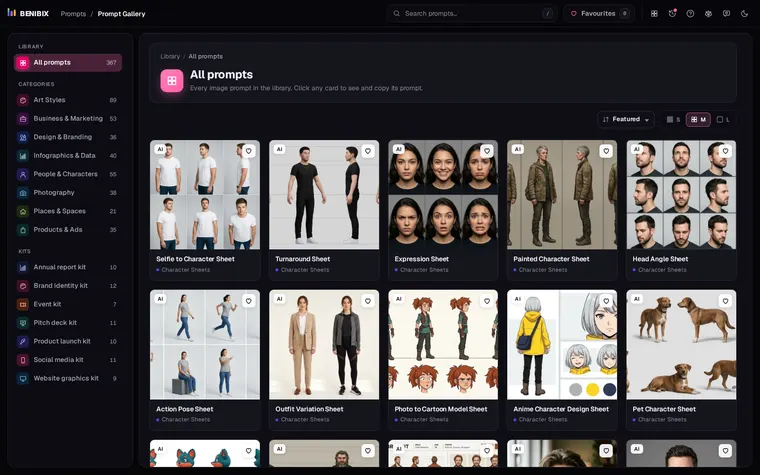
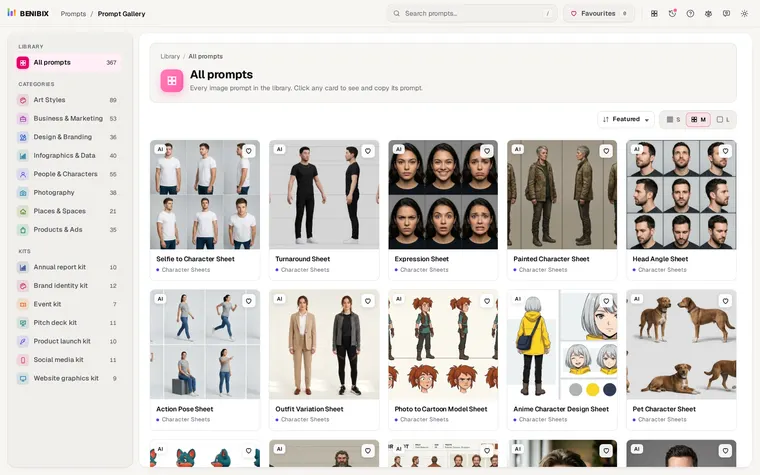
Prompt Gallery has 558 tested prompts, each next to the picture it made, and you can search by model name to find the Nano Banana ones. Copy the exact words, swap in your subject, and start from a result you have already seen. For how the Nano Banana family compares with other image models, read Midjourney vs Flux vs Nano Banana vs GPT Image.