Short answer: Veo 3.1 gives you three ways to direct a clip. Reference images (up to three) keep a character, object or style the same. First and last frame lets you set both ends of the shot, and Veo makes the move between them, with audio. Extend continues a clip from its final second, so a scene can run a minute or more. One catch: in the Gemini API, the Veo 3.1 preview models shut down on 22 October 2026, so check which model your tool uses.
A text prompt alone gives you a different clip every time: a new face, a new room, a camera that does what it likes. These three controls replace luck with instructions.
Checked against Google's Veo 3.1 announcement and the Gemini API deprecations page on 14 November 2026.
What do reference images do?
You attach up to three images of a character, an object or a scene, and Veo uses them to guide the clip. Google calls this "ingredients to video". Use it to keep the same person across several shots, or to carry one style through a series.
Good references are plain and clear: a front view of the character on a simple background, the product on its own, one picture of the look you want. A busy photo gives Veo too much to copy.
How do first and last frame work?
You give Veo a starting image and an ending image, and it generates the transition between them, complete with sound. You decide where the shot begins and where it lands; Veo decides only the motion.
A prompt to try with two stills:
Keep the two frames close in everything you do not want to change: same door, same hallway, same lens. Change only what the move should change.
What does extend do?
Extend makes a new clip that continues an existing Veo video, based on the previous clip's final second, so the picture and sound carry on smoothly. Chain several and a scene can last a minute or more. Write each extension like the next line of a shot list: what happens next, and what the camera does.
Is Veo 3.1 still available?
It depends where you use it. In the Gemini API, the three Veo 3.1 preview models (veo-3.1-generate-preview, veo-3.1-fast-generate-preview and veo-3.1-lite-generate-preview) shut down on 22 October 2026. Google points developers to Gemini Omni Flash (gemini-omni-1.2-flash) or to the generally available models on the Gemini Enterprise Agent Platform. Apps built on Veo may have moved already, so check what yours uses before you rely on a feature.
Where can you check this?
- Google for Developers: Introducing Veo 3.1 and new creative capabilities in the Gemini API, 15 October 2025
- Google AI Studio docs: Gemini API deprecations, the Veo shutdown dates and replacements
Where do you get the character prompt for the reference shot?
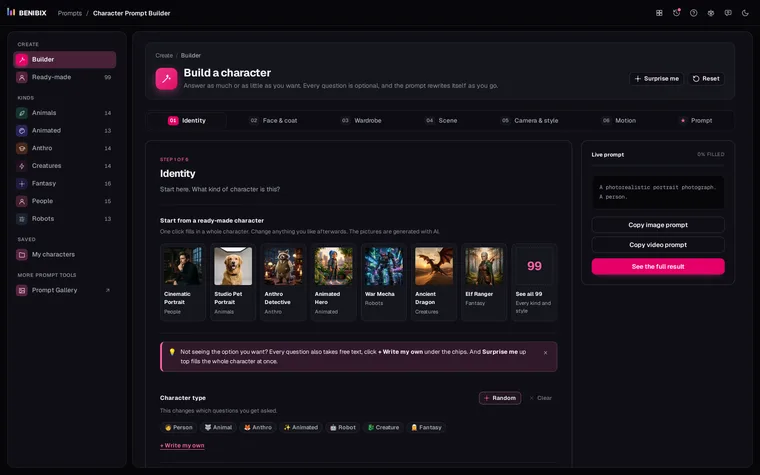
Reference images work best with words that say the same thing. Character Prompt Builder asks a few questions about your character and writes prompts for stills and video, plus an identity block you paste into every shot so the face, hair and outfit stay put. For the wording of the motion itself, see Veo 3 prompts: write them like a shot list.